.svg)

A few weeks before your SOC 2 audit, the auditor asks for the approved version of your access control policy and the list of everyone who acknowledged it. The approved copy is a Google Doc with four contributors, the signed-off version is in someone's inbox, and a handful of people never clicked the link. So you search for the best policy management software, and nearly every result is built for a compliance department you don't have.
That gap is the starting point for this guide.
Policy management software takes a policy through draft, approval, distribution, acknowledgement, scheduled review and audit proof, in one record. I ranked 10 tools on how much of that lifecycle each one documents, for the buyer I hear from most: a SaaS company of 10 to 500 people that needs policies an auditor or a customer will accept, without hiring someone to run them.
What Policy Management Software Does and Why Best Policy Management Software Lists Miss Startups
Policy management software keeps every policy in one governed record: who wrote it, who approved which version, who it was sent to, who accepted it and when, and when it's due for review. The point isn't storage: it's being able to answer an auditor, a customer's security questionnaire or a regulator in minutes instead of a week.
Most ranking lists cover one kind of tool. They're full of enterprise policy-lifecycle products built for legal, HR and ethics teams. That's a real category, but it isn't the only one a startup meets.
The other kind is compliance policy management software: the policy module inside a compliance platform. You'll often have one of those already, because the same platform runs your SOC 2 or ISO 27001 evidence. Its policies are wired to controls and tests, so an accepted policy can turn a failing check green. That's a different buying decision, and lists written for large enterprises rarely mention it.

Templates are the other thing lists skip. Every compliance platform ships them, and they're a starting point, not a finished policy. Someone describing themselves in a Hacker News comment as a former head of security GRC at Meta FinTech and an ex-CISO, and now the founder of a compliance remediation startup (so weigh it accordingly), put the risk bluntly:
"please take time to read the security policy templates and don't accept it blindly for your organization - because once you do, then it gets set in stone and that's what you are audited against" Vic-Bhatia, Hacker News, 2025-06-24 (an experienced practitioner's warning, not research)
Good policy management software makes that review easy. It lets you edit the template, route it to the right approver and keep the version that was actually approved.
The Policy Lifecycle Management Loop: Where Policies Actually Break
Every policy goes through the same six stages, and every stage has its own way of failing. Most teams discover which one theirs is during an audit.
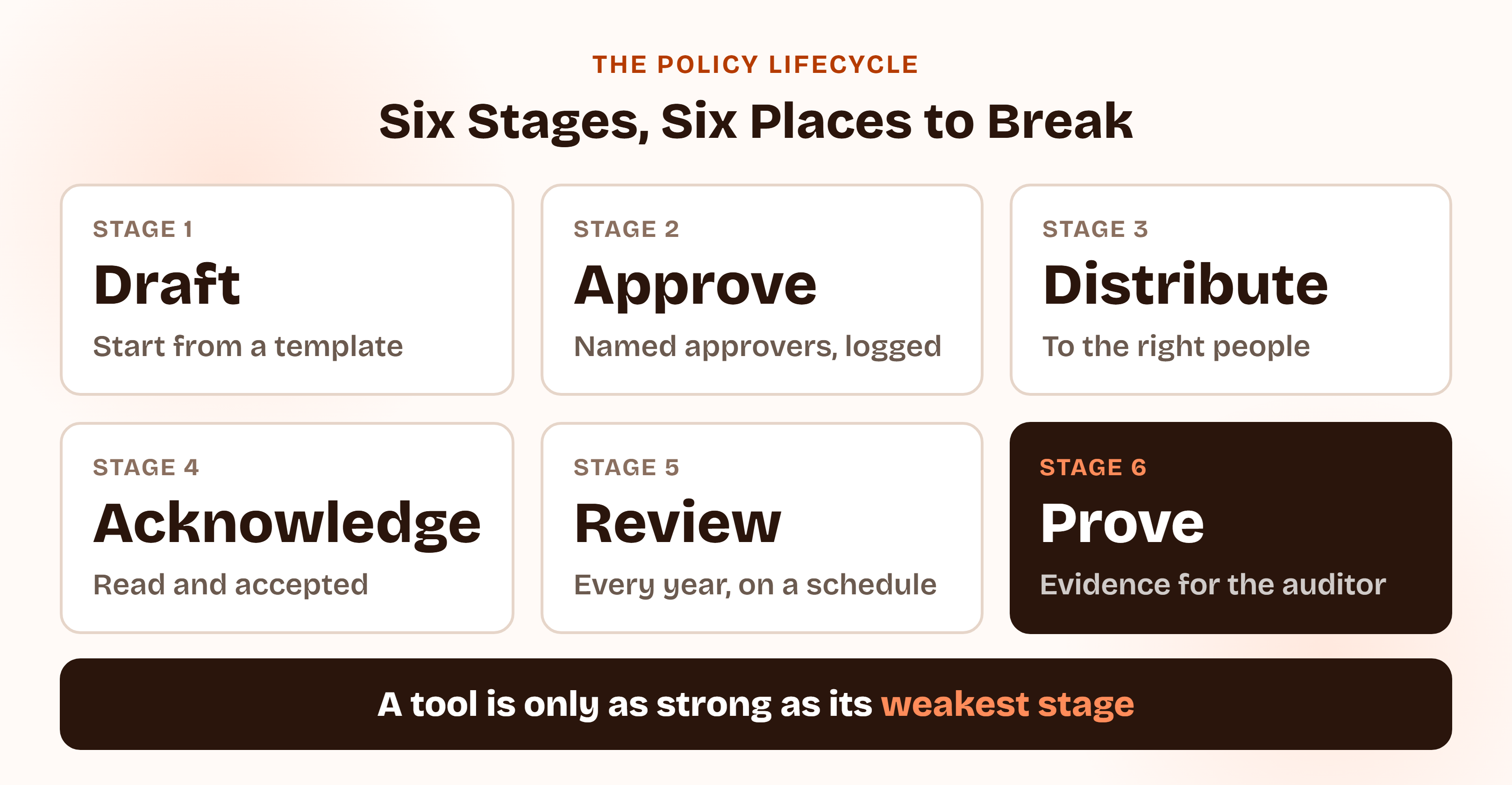
- Draft. The policy gets written from scratch, or copied from a template that names tools you don't run.
- Approve. Sign-off happens in an email thread or a chat message, and nobody can later show who approved which version.
- Distribute. The policy reaches everyone, including contractors and people it doesn't apply to, or it reaches nobody.
- Acknowledge. A link goes out, and the list of people who read and accepted it is a spreadsheet someone updates by hand.
- Review. The annual review is a calendar reminder that gets snoozed until the audit.
- Prove. The auditor asks for evidence and you rebuild it from five places.
Policy lifecycle management comes down to closing all six gaps, and each of the 10 tools below is judged on how many it covers, and how well.
Policy Management Tools vs. Compliance Policy Management Software and Document Storage
This guide ranks tools by how well they manage policies. If you want the wider platform comparison, ComplyJet has separate pieces on whole platforms, and several vendors appear in them judged on different criteria.
Looking for the whole platform, not just policies?
For the broader comparison, read ComplyJet's best GRC software comparison, the best compliance management software comparison or the best SOC 2 compliance software comparison. This article ranks tools only on the policy job, so the order here can differ from those.
Google Docs, SharePoint and a shared drive are the free alternative, and they work until the first audit. What they don't give you is the version of record, a timestamped acceptance trail per person, or a reminder when a policy is due for review. That missing proof is the reason policy management software exists.
Policies Inside Your Compliance Program
Get audit-ready policies without a second tool.
ComplyJet drafts 30+ framework-matched policy templates, sends them to your team in one click and records who accepted which version, inside the same platform that runs your evidence. A team guides you through it.
How I Evaluated These 10 Best Policy Management Software Tools
I didn't rank from a review-site grid. For each vendor I read its own policy pages and help-center articles, wrote down what the policy lifecycle actually includes, then checked five things:
- Starting point. Templates, an editor, and whether you can import the policies you already have.
- Approval workflow. One approver or a chain of them, and whether the approval is recorded against the version.
- Acknowledgement. Who the policy can be targeted at, how reminders work, and what happens when a policy changes.
- Review and evidence. Scheduled review reminders, version history, and what an auditor can export.
- Reach for a company under about 500 people. Published pricing or buyer-reported prices, minimum contract terms, and whether the tool needs another platform to work.
Three rules kept the list honest. Where a figure came only from a vendor's own marketing, I said so. Where a vendor publishes no price, I used buyer-reported medians from Vendr's marketplace pages, read on 2026-10-05, and labeled them as third-party data, not list prices. And where I couldn't verify a claim on the vendor's own site, I left it out.
G2 and Capterra block automated access, so the only ratings quoted are badges that vendors display themselves. Several of the pages I read rank their own publisher first, and I didn't treat any of those rankings as evidence.
How to read the order
Tools rank higher when they document more of the policy lifecycle and are reachable for a lean team. The specialist tools sit lower than their depth might suggest because most readers of this guide don't need a legal-grade policy program, not because they're weaker products. If you do, they may be the better choice.
ComplyJet publishes this blog and is ranked #7. I checked its claims against its own live pages the way I checked everyone else's, and it documents fewer lifecycle features than the six tools above it. The entry says exactly which.
I left out PowerDMS (built for public safety and accreditation), DocTract and Xoralia (not enough on their own pages for a fair entry), and LogicGate, Workiva, MetricStream and Mitratech PolicyHub (enterprise GRC suites where policy is one module among many). I also left out SharePoint on its own, and HR handbook tools such as Deel HR, Oracle and Workday.
Quick Comparison: 10 Best Policy Management Software Tools at a Glance
| Tool | Type | Best for | Pricing | Standout feature |
|---|---|---|---|---|
| Vanta | Compliance platform | First-time SOC 2 teams that want policies tied to tests | Not published (Vendr median $20,000/yr) | Up to five approval steps, with acceptance feeding a compliance test |
| Drata | Compliance platform | Teams that edit policies often and need re-acknowledgement | Not published (Vendr median $25,000/yr) | Material vs non-material change classification |
| Secureframe | Compliance platform | Teams adding frameworks over time | Not published (Vendr median $20,000/yr) | Auditor-written templates and automatic policy addendums |
| Sprinto | Compliance platform | Lean teams that want policies kept current automatically | Not published (Vendr median $15,000/yr) | Policy drift detection |
| Scrut | Compliance platform | Teams that want a large template library | Not published (Vendr median $7,250/yr) | 100+ editable templates with policy variables |
| NAVEX One Policy & Procedure Management | Policy specialist | Companies of 50+ people wanting a dedicated policy tool | Not published | Three packages, with attestation tracking in all of them |
| ComplyJet | Compliance platform | Early-stage SaaS teams doing first-time compliance | $7,999/year Core, $9,999/year Plus (3-year plan, up to 50 employees) | 30+ AI-drafted templates matched to your stack |
| VComply | Policy-first GRC suite | Teams that want policy plus risk and issues in one suite | Modules from $1,000/month, 12-month minimum | Attestation with knowledge assessments |
| Hyperproof | GRC platform | GRC teams that need policy exceptions and control links | Not published (Vendr median $41,400/yr) | Multi-step approvals with policy exception tracking |
| ConvergePoint | Policy specialist | Microsoft 365 and SharePoint shops | Not published | Runs natively inside SharePoint |
The table above shows the buying context. This second one shows what each tool documents for the policy lifecycle itself:
| Tool | Starting point | Approvals | Acknowledgement | AI |
|---|---|---|---|---|
| Vanta | Library policies per framework; Policy Builder; import from Confluence, Google Drive, SharePoint | Up to five steps, up to three approvers per step | Tracked per policy; admin setting can require opening each policy | Bulk import help, approval-detail extraction, control mapping suggestions |
| Drata | Templates; upload up to 25 MB; import from Google Drive, SharePoint, OneDrive, Box, Dropbox | Multi-tier, configured after creation | Groups or all personnel; re-acknowledgement on material changes | Not mentioned in the articles read |
| Secureframe | Templates written by former auditors; PDF upload | Not described in the articles read | Group assignment, acceptance rate, reminders | Comply AI for Policies |
| Sprinto | Sprinto templates or import existing | Routed to reviewers, tracked end to end | Real-time read and accept tracking | Autonomous drift detection |
| Scrut | 100+ editable templates; policy variables | Built-in review workflow | Employee portal, one-click acceptance, reminders | Scrut Teammates draft policies (homepage) |
| NAVEX One | Native authoring in Microsoft 365; configurable templates (Professional and above) | Advanced approval workflows (Professional and above) | Attestation tracking and audit trail in all packages | AI-assisted summaries; Nira policy Q&A |
| ComplyJet | 30+ AI-drafted templates, fully editable | Review and approve before publishing; multi-step chain not described | One-click distribution, automated reminders, timestamped trail | AI drafting matched to your framework |
| VComply | AI-assisted drafting | Named owners, deadlines, decisions logged | Targeted by role, department or location; knowledge assessments | Drafting, translation, policy Q&A |
| Hyperproof | Collaborative editor or your own tools via LiveSyncs; templates not documented | Multi-step with automatic proof of approval | Proof recorded that employees read and acknowledged | Not stated on the policy pages read |
| ConvergePoint | Authoring in Word Online inside SharePoint | Pre-defined review rules, automated assignments | Read-and-acknowledge with optional quizzes, reminders | States AI is built in |
The 10 Best Policy Management Software Tools in 2026
The order reflects how much of the policy lifecycle each tool documents and how reachable it is for a lean team, not a claim that number one is best for you. The How to Choose section below is where fit gets decided.
1. Vanta: Best Policy Management Software for First-Time SOC 2 Teams
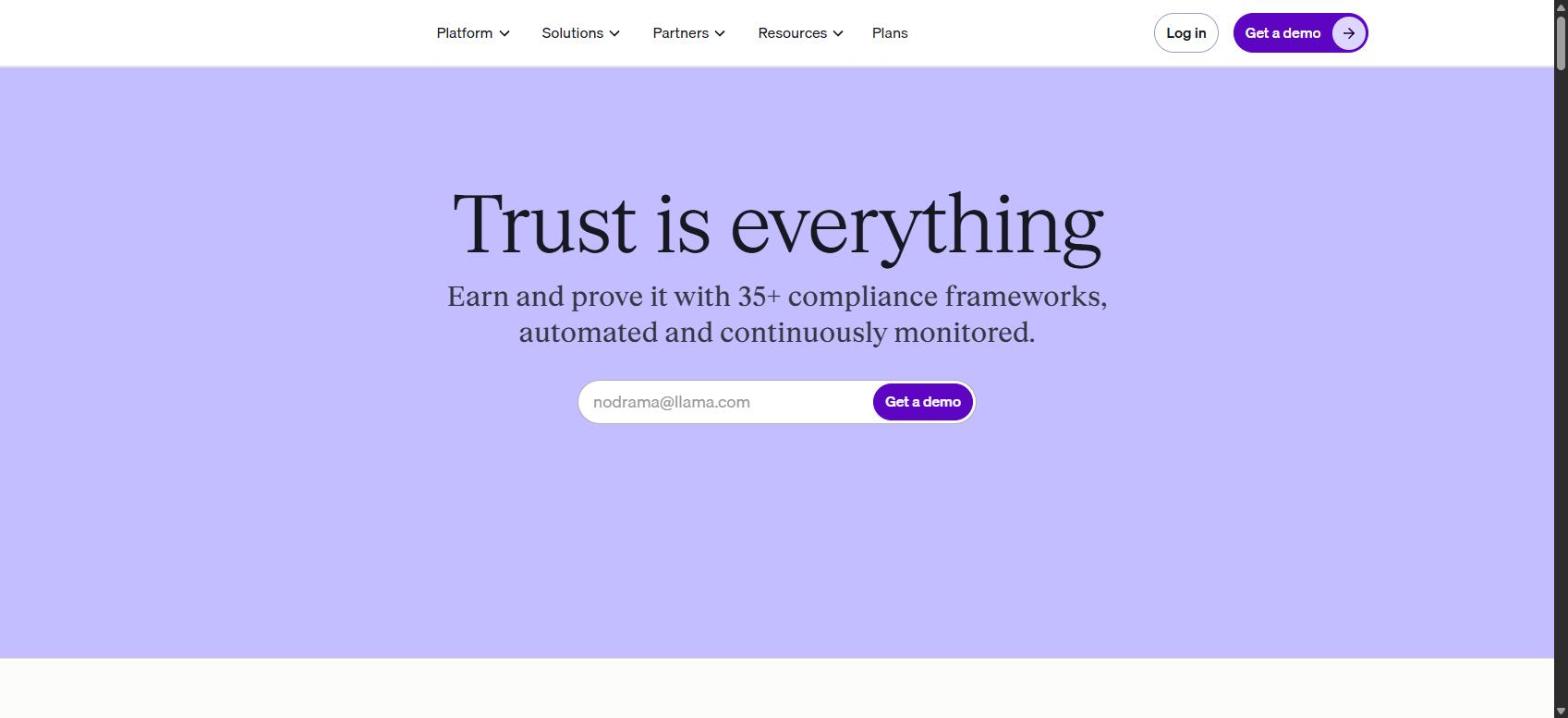
Screenshot of Vanta's homepage, captured 2026-10-05, for informational purposes only.
Vanta is the category default for compliance automation, and its policy documentation is the most detailed of the compliance platforms. Its help center describes default policies added from a library "associated with your enabled frameworks," a Policy Builder for eligible frameworks, an editor for the rest, and custom policies for anything the library doesn't cover.
The approval side is stronger than most. Policies can run through up to five approval steps, each with up to three approvers, and Vanta can extract historical approvers and dates from imported documents. Existing policies come in from Confluence, Google Drive or SharePoint, and annual review is tracked with an OK, Renew soon (within six weeks) and Expired status.
Acceptance is the part that connects policies to the rest of the platform. Once employees accept a policy, Vanta automatically marks the related policy acceptance test OK, so the document and the test evidence are both complete. A week-of-April-19-2026 update added an admin setting that requires employees to open and review each policy before accepting it, the difference between a click and a read.
A reviewer on G2, shown on an AWS Marketplace page and reviewing on 2026-10-01, names the templates directly:
"I really like Vanta's suite of automated tests, the intelligent policy templates, and the document verification tools." Rhett H., G2 review via AWS Marketplace, 2026-10-01 (a vendor customer's praise)
Vanta publishes no price. Its pricing page lists four tiers (Essentials, Plus, Professional and Enterprise) and shows multiple policy approvers from Professional up, so check which tier your approval chain needs.
Key features:
- Library policies mapped to your enabled frameworks, plus Policy Builder
- Import from Confluence, Google Drive and SharePoint
- Up to five approval steps with up to three approvers each
- Acceptance tracking linked to an automated policy acceptance test
- Annual renewal tracking and an optional open-and-review requirement
Pros
- Deepest documented approval workflow of the compliance platforms
- Policy acceptance feeds a compliance test automatically
- Import from the tools teams already use for documents
Cons
- No published pricing, and multi-approver workflows appear tied to higher tiers
- Policy Builder is available only for eligible frameworks
- Buyer-reported prices run high for a first-time program
Pricing: Not published. Vendr's buyer-reported data (read 2026-10-05) shows a median of $20,000 a year, range $7,500 to $57,221, across 169 deals. That's a third-party figure, not a Vanta price.
Best for: SaaS teams going for a first SOC 2 who want policies, acceptance and tests in one place and can budget for the category leader.
2. Drata: Best Policy Management Software for Teams That Change Policies Often
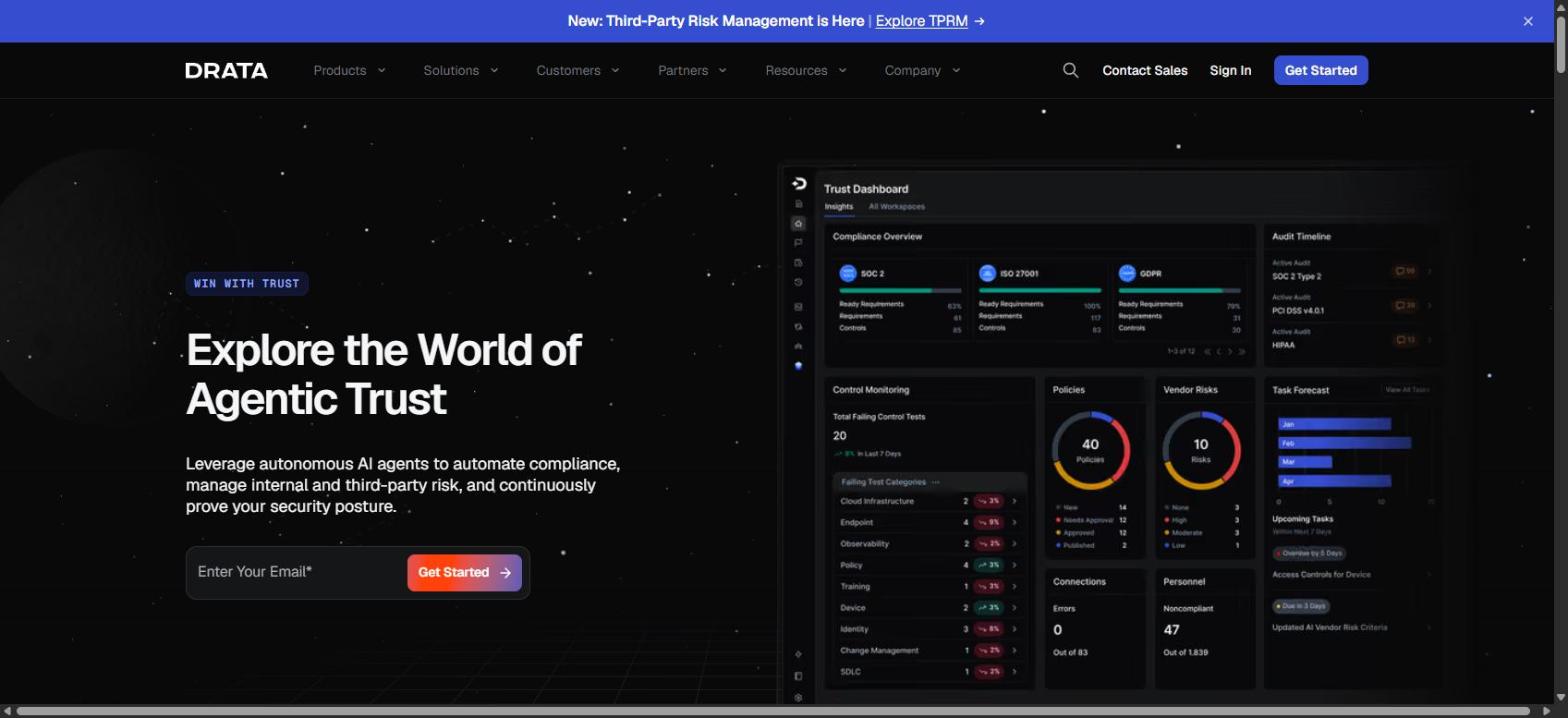
Screenshot of Drata's homepage, captured 2026-10-05, for informational purposes only.
Drata's Policy Center is where you create, edit, review, approve, publish and track policies. Its strongest idea is how it treats a change. When you edit a published policy you classify it as material or non-material. A material change creates a new major version (v1.0 to v2.0) and sends re-acknowledgement notices to personnel straight away. A non-material change creates a minor version (v1.0 to v1.1) and doesn't trigger notices unless you configure it to.
That distinction matters more than it sounds. A policy that's re-sent for every comma fix teaches people to ignore it, and one that never re-sends fails the audit. Drata also lets you target a policy at all personnel, specific identity-provider groups, or nobody, and tracks renewals with "Renews soon" (next 60 days) and "Renewal past due" status.
Policies can be authored in Drata's editor or uploaded (up to 25 MB), including straight from Google Drive, SharePoint, OneDrive, Box or Dropbox. A custom policy that replaces a Drata template keeps its control and test mappings. Approval workflows are set up after the policy is created rather than during creation, which is easy to miss on a first run.
Key features:
- Material vs non-material change classification with automatic re-acknowledgement
- Multi-tier approval workflows configured per policy
- Import from Google Drive, SharePoint, OneDrive, Box and Dropbox
- Targeting by all personnel or specific identity-provider groups
- Renewal tracking and BambooHR-hosted external policies
Pros
- Re-acknowledgement is tied to the size of the change
- Control and test mappings survive a template swap
- Wide choice of import sources
Cons
- No published pricing, with cost rising per framework per Vendr
- The help articles I read don't mention AI drafting or give template counts
- Approvals are configured after creation, a step first-time users can miss
Pricing: Not published. Vendr's buyer-reported data (read 2026-10-05) shows a median of $25,000 a year, range $9,415 to $68,250, across 127 deals, and notes that each added framework adds cost. That's a third-party figure, not a Drata price.
Best for: Teams that revise policies regularly and want acknowledgement to follow the significance of each change.
3. Secureframe: Best Policy Management Software for Teams Adding Frameworks Over Time
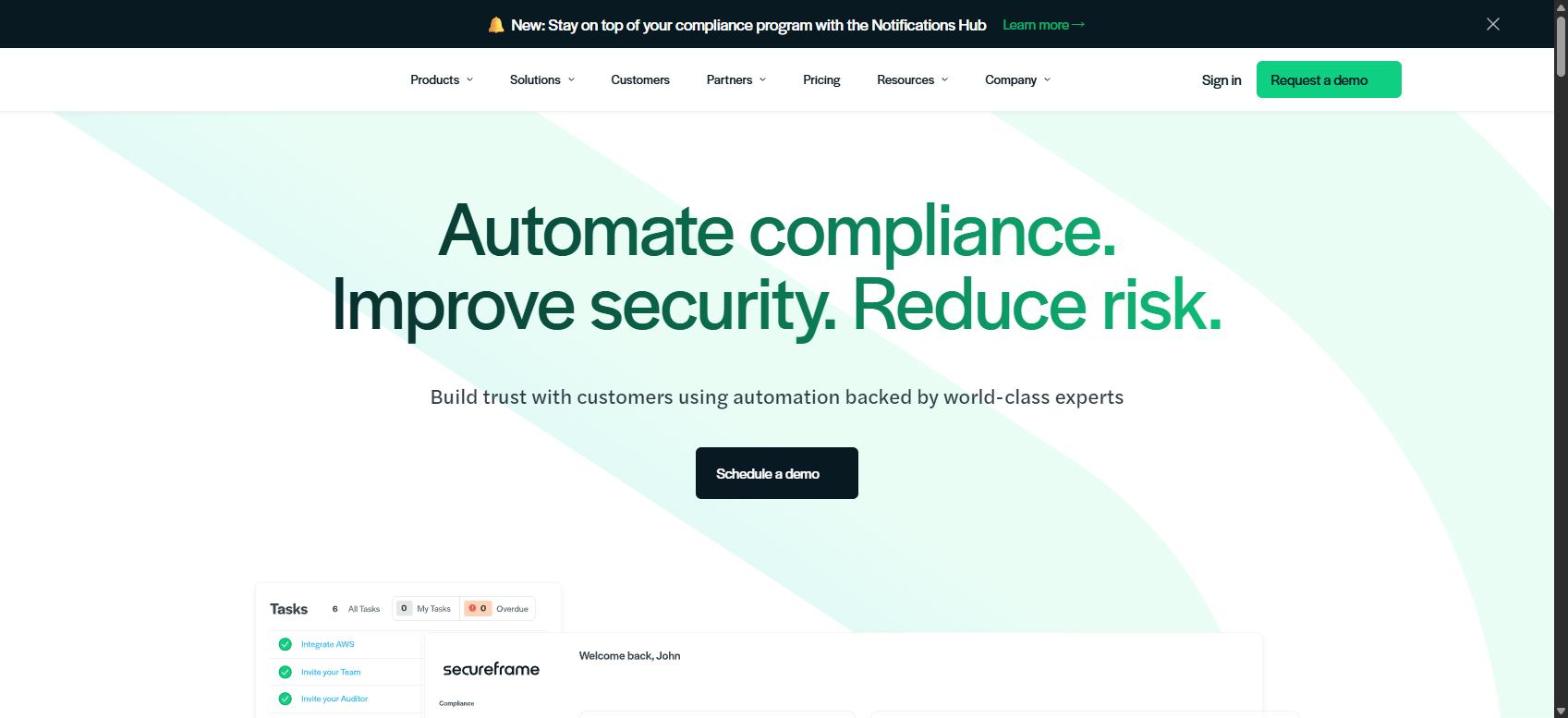
Screenshot of Secureframe's homepage, captured 2026-10-05, for informational purposes only.
Secureframe's policy pitch starts with who wrote the starting point. Its policy templates, per its feature page, are "written and approved by former auditors." You then edit them in a full editor with comments, assign an owner, and track versions.
Its most distinctive feature appears when you add a second framework: Secureframe "automatically creates policy addendums to meet the needs of the new framework" rather than asking you to rewrite the policy. For a company that starts with SOC 2 and adds ISO 27001 or HIPAA a year later, that saves real work.
Acknowledgement is handled by switching on "Require employee acceptance" when you publish, then assigning the policy to groups such as New Hires, Employees or Contractors. An Acceptance Rate column shows who's still outstanding and lets you send reminders. Comply AI for Policies summarizes, improves writing, simplifies language and changes tone. Existing policies can be uploaded as PDFs.
The one gap in what I read: the editing and acknowledgement articles don't describe an approval workflow, so ask what approver routing exists if your auditor expects named sign-off.
Key features:
- Templates written and approved by former auditors
- Editor with comments, owner assignment and version history
- Automatic policy addendums when a framework is added
- Group assignment with acceptance rate and reminders
- Comply AI for Policies, and PDF upload of existing policies
Pros
- Policy addendums save rewriting when you add a framework
- Group assignment keeps contractors and new hires on their own track
- Writing assistance built into the editor
Cons
- The policy articles I read don't describe an approval workflow
- No published pricing
- Upload is documented as PDF, with less detail on other import paths
Pricing: Not published. Vendr's buyer-reported data (read 2026-10-05) shows a median of $20,000 a year, range $7,733 to $32,575. That's a third-party figure, not a Secureframe price.
Best for: Companies that expect to add frameworks and want policies to extend rather than restart.
4. Sprinto: Best Policy Management Software for Keeping Policies Current Automatically
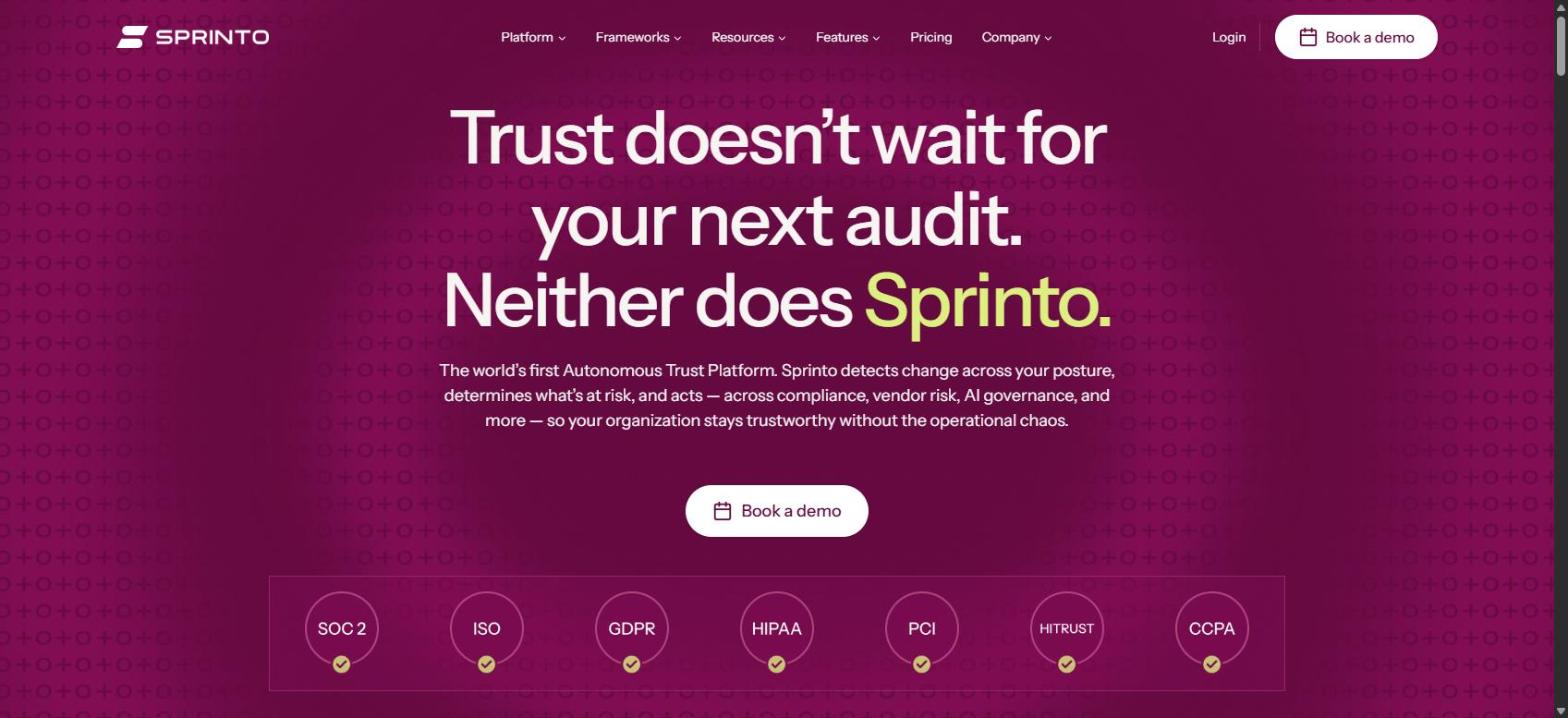
Screenshot of Sprinto's homepage, captured 2026-10-05, for informational purposes only.
Sprinto's policy page leads with a promise most tools don't make: it "keeps policies current, detects drift autonomously, sends updated policies to the right reviewers, tracks who has read and accepted each policy, and keeps every version and approval audit-ready." Drift detection is the differentiator: the tool notices when what you do and what the policy says have moved apart, instead of waiting for the annual review.
The workflow is straightforward. You create a policy from Sprinto's templates or import your existing ones, assign ownership to teams, roles and reviewers, run a structured review cycle with timestamps, and then watch read-and-accept status update in real time. Every edit, approval and acknowledgement can be pulled when an auditor or a customer asks.
One disclosure worth making: Sprinto's own article on policy management software ranks Sprinto third of 10. I used its product page, not that ranking, for this entry. Its page also states "4,000+ customers trust Sprinto AI," a vendor claim I couldn't verify.
Key features:
- Policy library with create or import, and clear version history
- Autonomous policy drift detection
- Approvals routed to reviewers and tracked end to end
- Real-time read-and-accept tracking across teams
- Audit-ready records of every edit, approval and acknowledgement
Pros
- Drift detection catches stale policies between reviews
- Import and create paths are both supported
- Buyer-reported pricing sits below the other category leaders
Cons
- No published pricing
- The page doesn't state how many approval steps are supported
- Its own ranking page lists itself third, so treat Sprinto's comparison content with care
Pricing: Not published. Vendr's buyer-reported data (read 2026-10-05) shows a median of $15,000 a year, range $13,167 to $16,000. That's a third-party figure, not a Sprinto price.
Best for: Lean teams that want policies monitored for drift, not just reviewed once a year.
5. Scrut: Best Policy Management Software for a Large Template Library

Screenshot of Scrut's homepage, captured 2026-10-05, for informational purposes only.
Scrut leans on volume and customization. Its FAQ cites "100+ editable policy templates mapped to frameworks like SOC 2, HIPAA, ISO 27001, and GDPR," and its SOC 2 policy post cites 75+ expert-vetted templates mapped to SOC 2 controls. You edit them in the platform's own editor, and policy variables let you update details across many documents at once.
It's also direct about the limits of templates. Scrut's own post says a template has to "name your real encryption standards, assign real owners, and set real review cadences instead of shipping a hollow document." The workflow includes version control, a built-in review workflow and automated reminders for reviews.
Employees receive assigned policies through their own portal, where they "review and acknowledge them with just a click," and admins can send reminders and watch completion from the dashboard. The homepage adds that Scrut Teammates (its AI agents) draft policies, though I'd ask for a demo of that on your own stack before leaning on it.
Key features:
- 100+ editable templates mapped to major frameworks
- Policy variables for bulk updates across documents
- Version control, built-in review workflow and review reminders
- Employee portal with one-click acknowledgement and reminders
- AI Teammates that draft policies, per the homepage
Pros
- Large template library with framework mappings
- Policy variables make company-wide edits quick
- Buyer-reported pricing is the lowest of the compliance platforms I checked
Cons
- The pages don't say how many approval steps the review workflow supports
- Template counts differ between its FAQ and its SOC 2 post, so confirm what you'd get
- No published pricing
Pricing: Not published. Vendr's buyer-reported data for Scrut Automation (read 2026-10-05) shows a median of $7,250 a year, range $5,160 to $27,050. That's a third-party figure, not a Scrut price.
Best for: Teams that want a broad starting library across several frameworks and a simple employee acknowledgement portal.
Free Demo
See what policies look like inside ComplyJet before you commit to a tool.
Walk through the AI-drafted policy library, one-click distribution and the acceptance trail your auditor will ask for, and ask what a second tool would add for your team.
6. NAVEX One Policy & Procedure Management: Best Policy Management Software for a Dedicated Policy Program

Screenshot of NAVEX One Policy & Procedure Management's product page, captured 2026-10-05, for informational purposes only.
NAVEX One Policy & Procedure Management (formerly PolicyTech) is the specialist default. Its product page calls it "AI-powered software that automates policy lifecycle, distribution, attestations and tracking," and says it manages 10.3 million-plus policy documents worldwide. Where the compliance platforms treat policies as one module, NAVEX treats the policy lifecycle as the whole product.
It's also more approachable than its enterprise image. NAVEX has a small-business page aimed at organizations from 50 employees up, and says it's "Trusted by 6,000+ small businesses." It sells three packages. Foundation covers a central repository, attestation tracking, assessments, reminders and AI-assisted summaries. Professional adds Microsoft 365 integration, native authoring, configurable templates and advanced approval workflows. Enterprise adds an advanced reporting suite and localization workflows.
The AI assistant, Nira, answers policy questions in 70+ languages. A customer, Joshua Dick, a Continuous Improvement Specialist at Security Health Plan, says on NAVEX's page:
"Thanks to PolicyTech, we've reduced the amount of time spent by over 20%!" Joshua Dick, Continuous Improvement Specialist, Security Health Plan, on NAVEX's site (a vendor-selected testimonial)
Key features:
- Three packages: Foundation, Professional and Enterprise
- Attestation tracking with an audit trail and optional assessments
- Microsoft 365 integration and native authoring (Professional and above)
- Advanced approval workflows (Professional and above)
- AI-assisted policy summaries and the Nira policy assistant
Pros
- Policy lifecycle is the whole product, with three clear package levels
- A small-business offer for organizations from 50 employees
- Attestation tracking is included even in the entry package
Cons
- Price is on request, and package choice changes what you get
- Not connected to your cloud controls or tests the way a compliance platform is
- Built for ethics, HR and legal policy programs, which can be more than a startup needs
Pricing: Not published. Vendr's buyer-reported median for NAVEX across its whole platform is $7,651 a year, range $1,430 to $28,151, across 73 deals (read 2026-10-05), but the same Vendr page says policy management "generally adds $15,000 to $50,000 annually," and doesn't reconcile the two. Treat both as third-party figures and ask for a quote.
Best for: Companies of 50 or more people that want a dedicated policy tool, especially where HR, legal and compliance all publish policies.
7. ComplyJet: Best Policy Management Software for Early-Stage SaaS Teams Doing First-Time Compliance
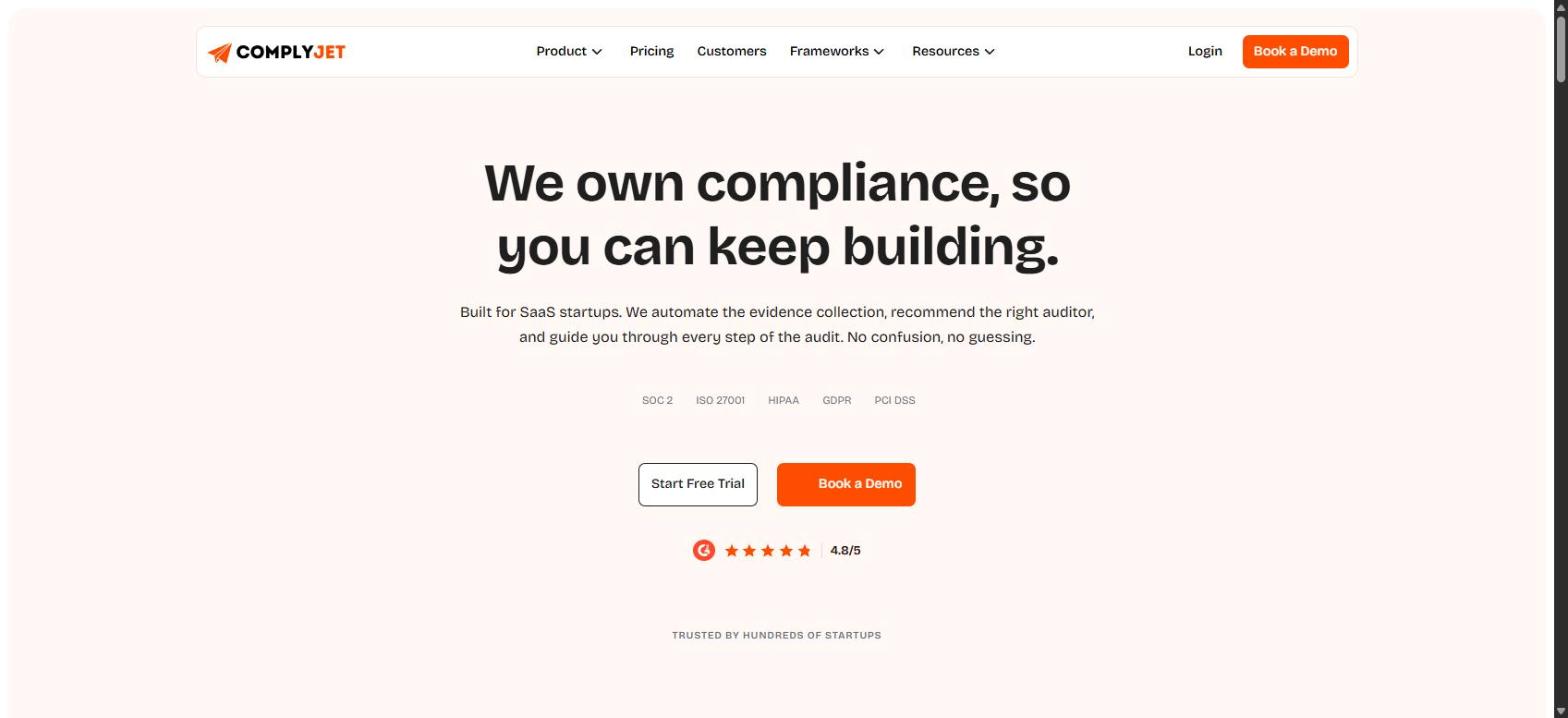
Screenshot of ComplyJet's homepage, captured 2026-10-05, for informational purposes only.
ComplyJet is a compliance automation platform, and its policy management is built for the first-time buyer rather than a policy department. I've ranked it seventh because it documents fewer lifecycle features than the six tools above it. What it does cover is real, and for the right buyer it's a fast route to a defensible set of policies.
Its policy page describes 30+ policy templates drafted with AI "matched to your framework requirements and tailored to your environment," each fully editable before publishing. You can distribute a policy to the whole team or to specific groups in one click, with automated reminders that keep chasing non-signers. Every acknowledgement is recorded with a timestamp, the person's name and the policy version.
After that, annual review reminders and version history are built in, and updated policies are re-distributed automatically. The page lists the framework requirements the documents answer, including SOC 2 CC1.1, CC2.2 and CC5.3, ISO 27001 Annex A 5.1, 6.2 and 6.3, and HIPAA 164.316. Around the policy module sits the rest of the platform: 350+ integrations, a team that guides you through the process instead of leaving you alone with the software, and flat pricing.
Pricing is per company, not per seat: $7,999 a year for Core and $9,999 a year for Plus on the 3-year plan, up to 50 employees, with Core covering one framework package and Plus two. As a team grows from five people to thirty or forty inside that band, the price stays the same.
An architect at Anaira, a ComplyJet customer, says on ComplyJet's customers page:
"Built-in AI agents make drafting complex compliance policies fast and effortless." Kisalay Madhup G., Architect, Anaira, on ComplyJet's customers page (a vendor-selected testimonial)
Where ComplyJet stops
The policy page describes review before publishing but not a multi-step approval chain, and it doesn't mention importing policies you already have, HRIS integration or a requirement to open a policy before accepting it. If your auditor expects a named three-person sign-off, or you have a large existing policy library, check the demo against that.
ComplyJet is also smaller and newer than Vanta, Drata or Secureframe. Its homepage shows a G2 rating of 4.8 out of 5, but G2 blocks automated access, so I couldn't check the review count.
Key features:
- 30+ AI-drafted templates matched to your framework and stack, fully editable
- One-click distribution to the whole team or specific groups
- Automated reminders and a timestamped acknowledgement trail by name, date and policy version
- Version history, annual review reminders and automatic re-distribution
- Audit-ready evidence export, inside a platform with 350+ integrations
Pros
- A full, framework-matched policy set drafted for you in one pass
- Flat, published per-company pricing with no per-seat creep
- A team that guides you through the work, useful for a first compliance program
Cons
- Multi-step approval chains, import of existing policies and HRIS integration aren't described on the policy page
- Newer and smaller than Vanta, Drata or Secureframe
- The homepage shows a 4.8 G2 rating, but I couldn't verify the review count
- Core is one framework package and Plus two, so a program spanning several frameworks needs a conversation about scope
Pricing: $7,999/year Core and $9,999/year Plus on the 3-year plan, up to 50 employees, published at complyjet.com/pricing. Flat per company, not per seat.
Best for: Early-stage SaaS companies doing compliance for the first time, with no dedicated security hire, that want policies drafted, distributed and proven inside one program.
AI-Drafted Policies
See your policy library in one session.
Book a demo to see ComplyJet's 30+ policy templates drafted for your stack, how distribution and acknowledgement tracking work, and what the audit evidence export contains. A team guides you through it, at one flat per-company price.
8. VComply: Best Policy Management Software for Policy Plus Risk in One Suite
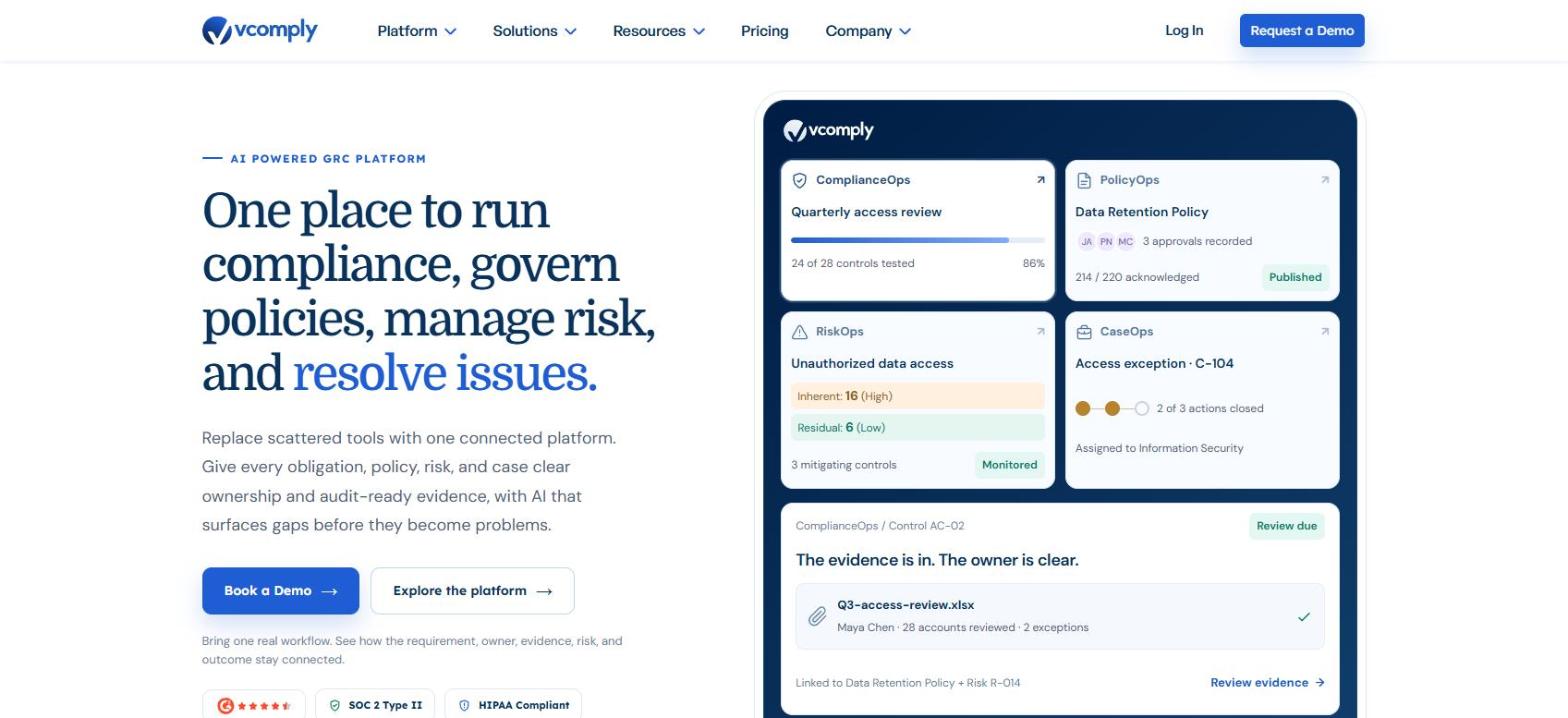
Screenshot of VComply's homepage, captured 2026-10-05, for informational purposes only.
VComply is a GRC suite whose policy module, PolicyOps, is one of five. Its page describes the lifecycle as "draft, review, approve, publish, distribute, acknowledge, and prove," with approvals shown against named owners and deadlines and every decision logged.
Where it goes beyond the compliance platforms is acknowledgement. Distribution can be targeted by role, department or location, and it can trigger acknowledgements and knowledge assessments, with timestamped completion data kept against the specific policy version. AI helps with first drafts, language refinement and translation, and a policy Q&A feature answers questions from approved content.
VComply is one of the few vendors here that publishes a price. Its pricing page lists a Pro GRC Suite with "Modules start at $1,000/mo," a minimum contract of 12 months, annual invoicing, a 20% non-profit discount and startup packages. It also reports vendor-chosen outcomes, such as 100% acknowledgement at a U.S. clinic network, which I'd read as a claim, not a benchmark.
Key features:
- PolicyOps lifecycle from draft through proof
- Targeting by role, department or location
- Acknowledgement plus knowledge assessments
- AI-assisted drafting, translation and policy Q&A
- Policies linked to controls, risks and findings in the wider GRC suite
Pros
- Knowledge assessments prove understanding, not just a click
- Published module pricing is rare in this category
- Policies connect to risk and issue management in the same suite
Cons
- A GRC suite is more than most startups need
- 12-month minimum and annual invoicing
- Not built around cloud-infrastructure tests the way the compliance platforms are
Pricing: Pro GRC Suite modules start at $1,000 a month, 12-month minimum, per v-comply.com/pricing (read 2026-10-05). Starter and Enterprise are by quote.
Best for: Teams that want policy plus risk and issue tracking in a GRC suite and can commit to a 12-month contract.
9. Hyperproof: Best Policy Management Software for Policy Exceptions and Control Links
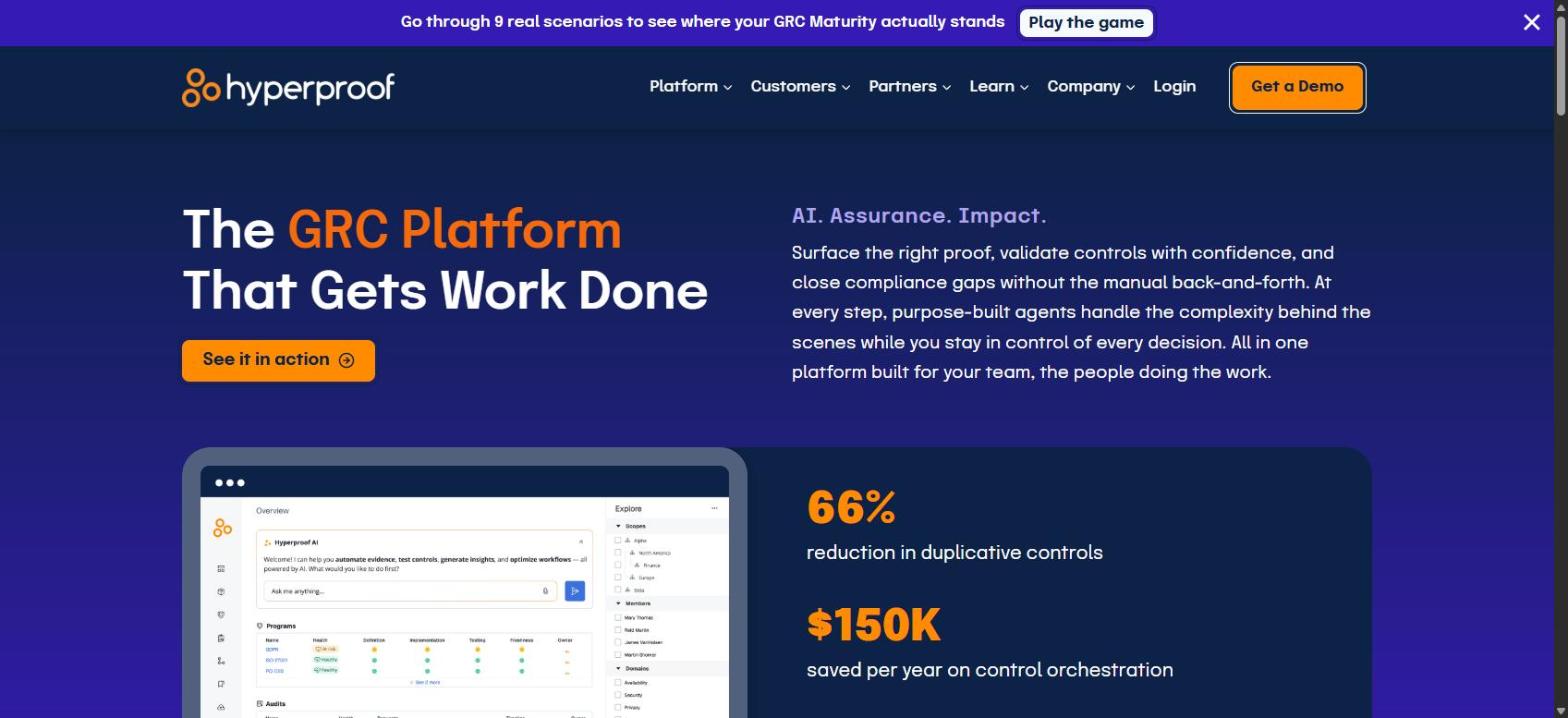
Screenshot of Hyperproof's homepage, captured 2026-10-05, for informational purposes only.
Hyperproof's policy module is built for governance teams. Policies live in one place with clear version history, you can edit collaboratively in its editor or keep using your existing tools through LiveSyncs (connectors to cloud services), and "complex, multi-step approval workflows" are tracked with audit-ready proof of each approval.
What sets it apart is exceptions and links. Hyperproof tracks "who requested the exception, who accepted it (and why), and how it connects to your policy, controls, and any downstream risks." And it lets you "connect policies to relevant controls" so you can see which controls a policy change touches. Its help center says each version records proof it was "approved, read, and acknowledged by employees."
The gaps for a startup are clear. The documentation I read doesn't mention policy templates, and the page describes its audience as GRC leaders and cross-functional teams. Vendr's page describes an entry tier for 5 to 15 users, with implementation costing low-to-mid five figures for small deployments, per Vendr.
Key features:
- Version control with a central policy library
- Collaborative editor or LiveSyncs to existing document tools
- Multi-step approval workflows with automatic proof
- Policy exception tracking tied to controls and risks
- Policies connected to controls and framework requirements
Pros
- Multi-step approvals with automatic proof
- Exceptions tracked inside the policy, not in a spreadsheet
- Policy changes show which controls they affect
Cons
- Policy templates aren't mentioned in the documentation I read
- Built for GRC teams, not first-time buyers
- Highest buyer-reported prices in this list
Pricing: Not published. Vendr's buyer-reported data (read 2026-10-05) shows a median of $41,400 a year, range $22,215 to $70,000, across 44 purchases. That's a third-party figure, not a Hyperproof price.
Best for: Companies with a GRC function that need exception handling and policy-to-control traceability.
10. ConvergePoint: Best Policy Management Software for Microsoft 365 and SharePoint Shops
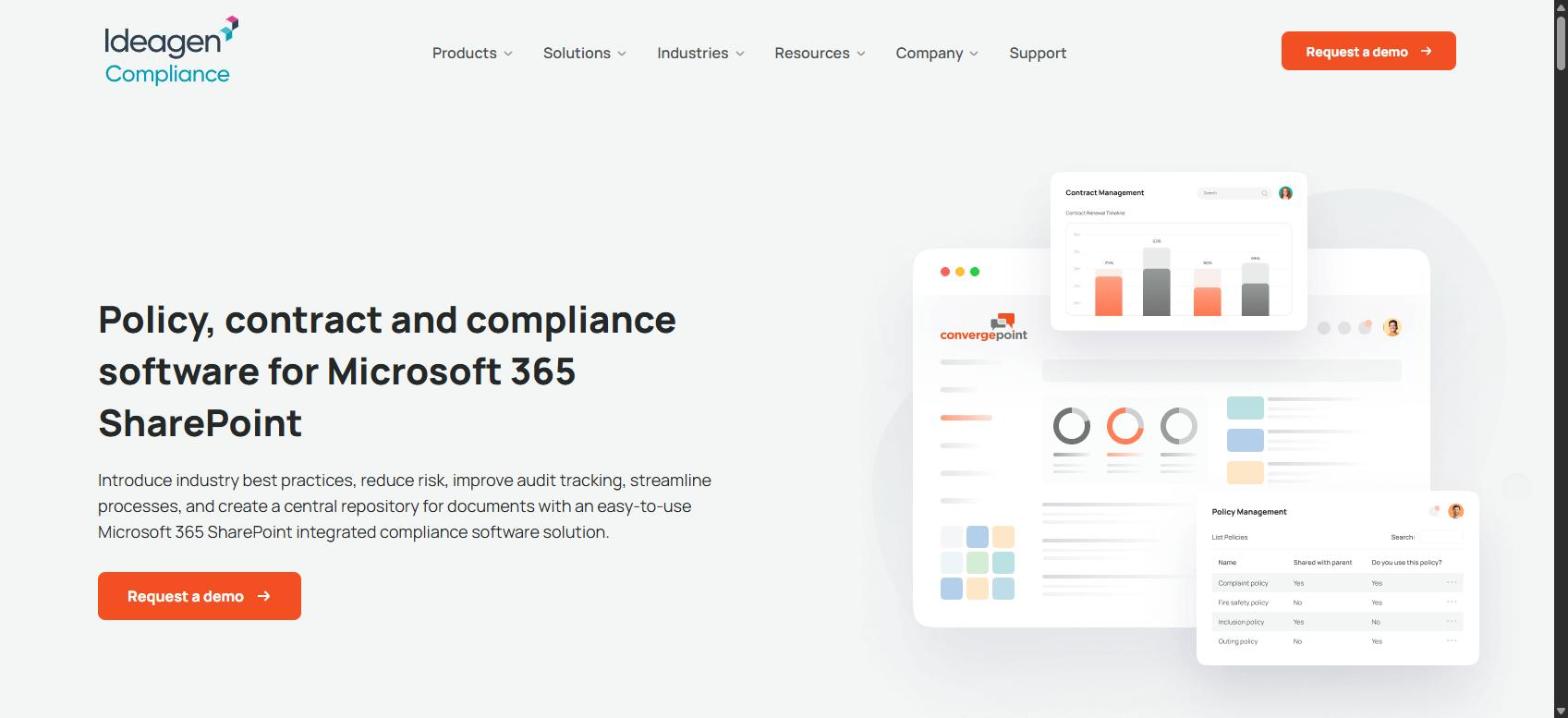
Screenshot of ConvergePoint's homepage, captured 2026-10-05, for informational purposes only.
ConvergePoint is policy management built on SharePoint. It installs as a SharePoint app, uses Word Online, Outlook and Teams plug-ins, and signs people in through Active Directory. The page describes managing "the entire policy lifecycle" through drafting, review, approval, distribution and renewal, with structured approval rules, automated assignments and audit trails.
Employee attestation works as read-and-acknowledge, optionally with quizzes, plus automated reminders and reporting for department managers. The site says AI is built into the lifecycle and that it supports multiple languages. Its homepage carries an Ideagen Compliance logo, and the site footer names Ideagen as its owner.
The condition is in the product description: it only makes sense if your company already lives in Microsoft 365. The page lists education, healthcare, financial services and government among its target industries and shows no price or customer testimonial.
Key features:
- Policy lifecycle from drafting to renewal inside SharePoint
- Pre-defined approval rules with automated assignments
- Read-and-acknowledge with optional quizzes and reminders
- Word Online, Outlook and Teams plug-ins; Active Directory sign-in
- Revision and renewal history for multi-year audits
Pros
- Native to the Microsoft 365 tools your people already use
- Quizzes and manager reporting on acknowledgement
- Long revision history suits multi-year audits
Cons
- Requires Microsoft 365 and SharePoint
- No published pricing or testimonial on the page
- Aimed at regulated enterprises, which is a heavier fit for a startup
Pricing: Not published, and Vendr shows no buyer-reported median for ConvergePoint.
Best for: Companies already standardized on Microsoft 365 that want policies managed inside SharePoint.
Already Paying for a Compliance Platform?
If you don't need a GRC suite or SharePoint, the policy module you have may be enough.
Before you add a second tool, see what policies, acknowledgements and review reminders look like inside a compliance platform built for startups. ComplyJet's team will show you what's included.
How to Choose Policy Management Software for Your Company
There's no single winner here, only a best fit. These are the questions that decide how to choose policy management software for your team, in the order I'd ask them.
Start With the Family: Specialist or Compliance Platform
If your policies exist to pass SOC 2, ISO 27001 or HIPAA and answer customer questionnaires, start with the compliance platform you need anyway. Its policies are tied to tests, so an acceptance turns a check green. If policies are an HR, legal or ethics program across hundreds of people and many regions, start with a specialist.
Company Size and Policy Management Software for Startups
For policy management software for startups, the rule of thumb is simple. Under about 50 people, you want a library you can approve in a week, not a program to administer. Between 50 and 500, approval chains and group targeting start to matter. Above that, the specialists and GRC suites earn their price. NAVEX's own small-business page starts at 50 employees, which tells you where it thinks the fit begins.
Policy Acknowledgement Software: Targeting and Proof
Sending every policy to everyone is how policies stop being read. One user on Security Stack Exchange, asking in February 2019 how to handle a long suite of IT policies, described the problem:
"Portions that talk about access administration is probably not relevant to a customer service representative working in a call center." Question author, Security Stack Exchange, 2019-02-25 (one practitioner's view, not research)
An answer on the same thread, from someone who says they've written GDPR and security policies for large companies, adds the other half:
"There must be a system in place to be able to measure their compliance with the policies." Overmind, Security Stack Exchange, 2019-02-25 (a practitioner's answer, not research)
That's what good policy acknowledgement software does: it targets a policy at the people it applies to, and measures who actually accepted it.
Approval Workflows: How Many Steps You Actually Need
A founder approving a policy alone is fine for many first audits, as long as the approval is recorded against the version. A three-person chain (policy owner, security lead, legal) is worth paying for once an auditor or a regulated customer expects named sign-off. Vanta documents up to five steps; Drata and Hyperproof describe multi-step flows; ComplyJet and Secureframe, on the pages I read, don't.
Budget, Contract Term and Pricing Model
Compare the number you'd actually pay, not the tier name. VComply publishes $1,000 a month per module with a 12-month minimum, and ComplyJet publishes $7,999 or $9,999 a year per company. Most others require a quote, so ask for the price with your headcount and framework count stated. Buyer-reported medians from Vendr run from $7,250 (Scrut) to $41,400 (Hyperproof), and Vendr notes multi-year terms often cut the price.
Try This Yourself: Test a Policy End to End in the Trial
Try this yourself
During any trial, take one real policy from draft to proof. Import or draft it, route it to an approver, publish it to a small group that includes a contractor, change one sentence and see whether people are asked to accept it again. Then export the evidence an auditor would ask for. If any step needs a workaround, you've found the tool's weak stage.
Free Demo
Take a real policy through ComplyJet's workflow.
Bring one policy you already have. We'll show how it gets drafted or reviewed, sent to a group, tracked to acceptance and exported as evidence, with a team that guides you through the process.
FAQs
What Is Policy Management Software?
It's software that runs policies through draft, approval, distribution, acknowledgement, scheduled review and audit evidence in one record. The aim is to prove who approved which version and who accepted it, without rebuilding that from email and documents.
What Is the Difference Between Policy Management Software and Document Management?
Document management stores files and tracks versions. Policy management adds approval routing, targeted distribution, per-person acknowledgement, review reminders and audit evidence. The SP Marketplace guide I read lists "general-purpose document management dressed as policy management" as a red flag for exactly this reason.
What Features Should Policy Management Software Have?
At minimum: a template or import path, an editor with version history, an approval workflow recorded against the version, targeted distribution, acknowledgement tracking with reminders, scheduled review reminders and an evidence export. The table in the comparison section shows which of these each tool documents.
Is Policy Management Software Worth It for Smaller Teams?
Yes, if you face an audit or customer reviews, because the cost of one failed evidence request outweighs the tool. If you're pursuing SOC 2 or ISO 27001 anyway, you probably already have this inside your compliance platform and shouldn't buy a second tool. A very small team with no audit pending can start with a shared drive and a spreadsheet.
How Does Policy Management Software Help With Audits?
It gives you the approved version of record, the list of people who accepted it with timestamps, and review history, which are the three things an auditor asks for. In platforms like Vanta, acceptance also updates a compliance test automatically.
How Much Does Policy Management Software Cost?
It ranges widely and mostly isn't published. Buyer-reported Vendr medians for the compliance platforms in this guide run from $7,250 to $41,400 a year. VComply publishes modules from $1,000 a month, and ComplyJet publishes $7,999 or $9,999 a year per company on the 3-year plan. NAVEX's price is on request.
Can Vanta or Drata Manage Policies?
Yes. Vanta's help center documents templates, up to five approval steps, imports and acceptance tracking. Drata's documents multi-tier approvals, import from five storage services and re-acknowledgement on material changes. Both treat policies as part of a wider compliance program, not a standalone product.
Can I Manage Policies in Google Docs or SharePoint?
You can store them there, and many companies do through a first audit. What you lose is the per-person acceptance trail, the version of record and review reminders. SharePoint alone is the DIY route, and ConvergePoint is built to add policy workflow on top of it.
How Often Should Policies Be Reviewed?
At least once a year, and whenever something material changes in how you operate. Vanta tracks annual review with a six-week warning, Drata flags policies renewing within 60 days, and ComplyJet sends annual review reminders and re-distributes updated policies automatically.
Final Thoughts on the Best Policy Management Software
Every tool here can manage policies, the differences are in which stages each one covers well. The specialists go deepest on the lifecycle. The compliance platforms tie policies to the controls and tests an auditor actually checks.
If you take one thing from this guide, let it be the lifecycle loop. Find the stage that's hurting, then test that stage in a trial on one of your own policies before you believe a feature list.
Here's how I'd decide:
- Choose Vanta, Drata or Secureframe if you have budget and want the most documented policy workflow inside a compliance platform.
- Choose Sprinto or Scrut if you want a lower buyer-reported price and are comfortable confirming approval depth in a demo.
- Choose NAVEX One or VComply if policy is a program with HR, legal and compliance owners, not a compliance side-task.
- Choose Hyperproof or ConvergePoint if you have a GRC function, or you live in SharePoint.
- Choose ComplyJet if you're an early-stage SaaS team doing compliance for the first time and want AI-drafted, framework-matched policies, distribution and acknowledgement inside one program at a flat price, accepting the limits listed above.
Otherwise, pick two, take the same policy through both trials, and let the evidence export decide.
Free Demo
See how ComplyJet handles the policy lifecycle for a first compliance program.
Talk to ComplyJet about policies alongside SOC 2, ISO 27001 or HIPAA, with a team that guides you through it and flat per-company pricing. Read the policy management page first if you'd like the detail.
Related Reading on the Best Policy Management Software
- Information Security Policy, the policy most compliance programs start with.
- Password Policy Template, a ready-to-edit policy to load into whichever tool you pick.
- Vendor Management Policy Template, for the third-party side of your policy set.
- Patch Management Policy Template, the template for keeping systems updated and provable.
- Access Control Policy, the policy auditors ask about first.
- Best GRC Software, for teams weighing a wider governance, risk and compliance platform.
- Best Compliance Management Software, for the broader compliance platform comparison.
- Best SOC 2 Compliance Software, if SOC 2 is the program behind your policies.
Sources: Vendor capabilities read from each vendor's own pages on 2026-10-05: Vanta policies help, Vanta product updates and Vanta pricing; Drata Policy Center and Drata create a policy; Secureframe policy management and Secureframe policy editing; Sprinto policy management; Scrut compliance automation, Scrut FAQ and Scrut SOC 2 policies; NAVEX policy management, NAVEX packages and NAVEX for small business; VComply PolicyOps and VComply pricing; Hyperproof policy management and Hyperproof help; ConvergePoint policy management; and ComplyJet's policy management, pricing and customers pages.
Buyer-reported pricing from Vendr: Vanta, Drata, Secureframe, Sprinto, Scrut Automation, Hyperproof and NAVEX, flagged in-text as third-party. Practitioner comments: Hacker News item 44362665, Security Stack Exchange question 204215, and a G2 review shown on AWS Marketplace. Ranking pages reviewed: G2 Learn, Guideflow, Folderit, Sprinto, SP Marketplace and others.