.svg)

You’ve run your first scan. The results came back with 1,400 vulnerabilities. Forty of them are “critical.” Now what?
That’s the moment where a scanner stops being enough and you start needing a vulnerability management tool: something that tells you which 40 actually matter, assigns them to the right person, tracks them to closure, and gives you proof for your auditor.
I reviewed 11 tools in this category, covering the full range: traditional enterprise VM platforms, cloud-native CNAPP solutions, developer-first scanners, and open-source options. For each one I looked at scan coverage, risk-based prioritisation, pricing transparency, and what real users actually say.
A word on scope: not everything in this list is a full management platform. Three of the 11 (Snyk, AWS Inspector, and Trivy) are primarily scanners. They’re here because they’re tools your team is probably already using or evaluating alongside a management layer. I’ve labelled each one clearly so you know what you’re comparing.
CVE count vs. actual risk: the gap most security teams never close
Your scanner surfaces 1,400 vulnerabilities. Your team can realistically fix maybe 20 this sprint. CVSS gives you a score for each one, but CVSS doesn’t know which assets are internet-facing, which ones are already being actively exploited in the wild, or which ones sit behind three layers of controls that make exploitation unlikely.
Key insight
The gap between a list of CVEs and what to fix first is where vulnerability management lives.
The gap between “list of CVEs” and “what to fix first” is where vulnerability management lives.
Draw the line clearly: a vulnerability scanner tells you what’s vulnerable. A vulnerability management platform adds the decision layer on top: risk-based prioritisation using asset criticality, reachability, and live threat intelligence; remediation workflow so fixes get assigned and tracked; SLA monitoring so nothing sits open for 18 months; and audit-ready reporting so you can show your SOC 2 or ISO 27001 auditor the programme is real.
Some tools in this list do both. Some do one. A common pattern for engineering teams is to run a scanner in the CI/CD pipeline (Trivy, Snyk) and feed findings into a management platform for triage and tracking. Neither replaces the other.
How we picked the top 11 vulnerability management tools
I evaluated each tool on six criteria:
Why it matters
Risk-based prioritisation matters more than scan coverage: the best tools tell you what to fix first using real threat intelligence, not just CVSS scores.
Top 11 vulnerability management tools: quick comparison (2026)
.cj-tbl-wrap{width:100%;overflow-x:auto;-webkit-overflow-scrolling:touch;display:block;}.cj-simple-table{width:100%;border:1px solid #ddd;border-radius:8px;border-collapse:separate;border-spacing:0;overflow:hidden;table-layout:fixed;font-family:"Bricolage Grotesque",sans-serif;font-size:14px;}.cj-simple-table th{background:#3b1c0f;color:#ffffff;padding:12px 14px;text-align:left;font-weight:600;border-bottom:1px solid #ddd;border-right:1px solid rgba(255,255,255,0.15);font-size:15px;word-break:break-word;overflow-wrap:break-word;}.cj-simple-table th:last-child{border-right:none;}.cj-simple-table td{padding:12px 14px;border-bottom:1px solid #eee;border-right:1px solid #eee;word-break:break-word;overflow-wrap:break-word;vertical-align:top;}.cj-simple-table td:last-child{border-right:none;}.cj-simple-table tr:nth-child(even) td{background:#fff8f5;}.cj-simple-table tr:last-child td{border-bottom:none;}
Tool
Type
Best for
Pricing
Standout feature
Tenable Vulnerability Management
VM Platform
Enterprise network + cloud VM
From $3,500/yr
VPR risk scoring + Hexa AI
Qualys VMDR
VM Platform
Unified enterprise VM + patching
Contact for pricing
TruRisk with 25+ threat intel sources
Rapid7 InsightVM
VM Platform
Risk-scored VM with strong reporting
Contact for pricing
Active Risk scoring + 500+ integrations
Wiz
VM Platform (CNAPP)
Cloud-native multi-cloud VM
Contact for pricing
Agentless, attack path analysis
CrowdStrike Falcon Exposure Management
VM Platform
Existing CrowdStrike customers
Contact for pricing
No new agent; AI prioritisation
Orca Security
VM Platform (CNAPP)
Agentless cloud VM
Contact for pricing
SideScanning, zero prerequisites
Snyk
Scanner (dev-first)
Developer SCA + container CVEs in CI/CD
Free; from $25/dev/mo
Auto-fix PRs in CI/CD
Intruder
VM Platform
SMBs and startups
From $149/month
Clearest pricing + actionable output
AWS Inspector
Scanner (cloud-native)
AWS-native CVE scanning
Pay-per-scan from $0.09
Zero-config; automatic workload discovery
Microsoft Defender Vulnerability Management
VM Platform
Microsoft Defender customers
Add-on pricing
No new agent for existing Defender users
Trivy
Scanner (open source)
DevSecOps CI/CD pipelines
Free (Apache 2.0)
Containers, IaC, SBOM, secrets
The 11 best vulnerability management tools in 2026
1. Tenable Vulnerability Management
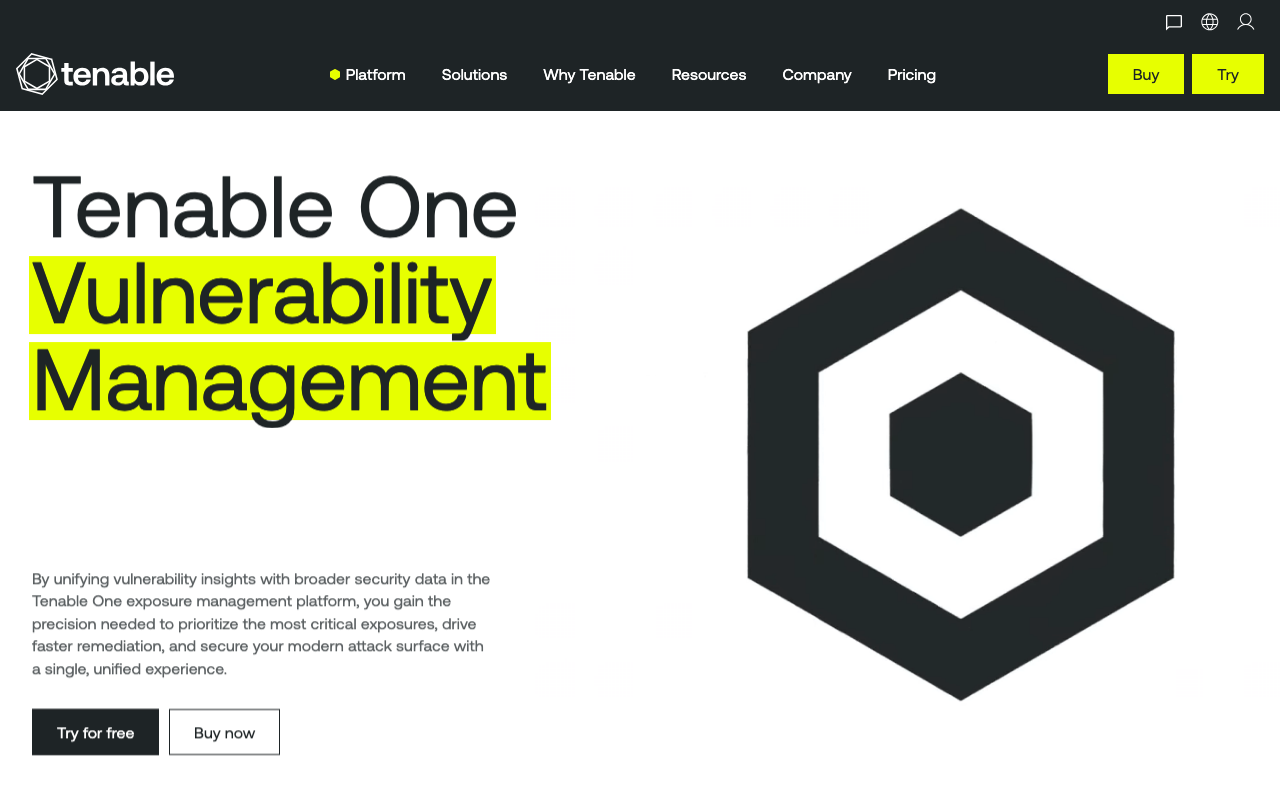
Tenable Vulnerability Management is the category reference point. If you’ve been in security for more than a year, you’ve either used it or evaluated it. It sits at the top of most vulnerability management tools lists because it earns it: continuous asset discovery, VPR (Vulnerability Priority Rating) that combines CVSS with real threat intelligence to tell you what’s actually being exploited in the wild, and coverage across networks, cloud, containers, OT, and identity systems.
The newest addition is Hexa AI, an agentic layer that runs autonomous vulnerability triage and surfaces remediation paths without manual review. It’s early, but it signals where the platform is heading.
Where Tenable earns its position is breadth. Very few tools scan across on-premises servers, cloud workloads, OT/ICS systems, and containerised environments with the same depth. That’s not something every team needs, but if you do, there’s no obvious shortcut.
The watch-out is pricing. Tenable starts at $3,500/year for 100 assets. That’s manageable. But medium-large environments scale that cost fast, and the add-on structure means the “full picture” costs more than the base licence suggests.
“
The Vulnerability Priority Rating is genuinely useful — it helped us focus remediation efforts on the vulnerabilities that actually mattered rather than chasing every CVE in the queue. Reporting could be more flexible, but the scanning coverage is hard to beat.
★★★★☆Verified User· Enterprise
Key features:
Pros of Tenable Vulnerability Management
Cons of Tenable Vulnerability Management
Pricing: From $3,500/year (100 assets, 1-year subscription). Multi-year discounts available. Free trial offered.
Best for: Enterprises and mid-market security teams needing the broadest scan coverage across all asset types, including OT and identity.
2. Qualys VMDR
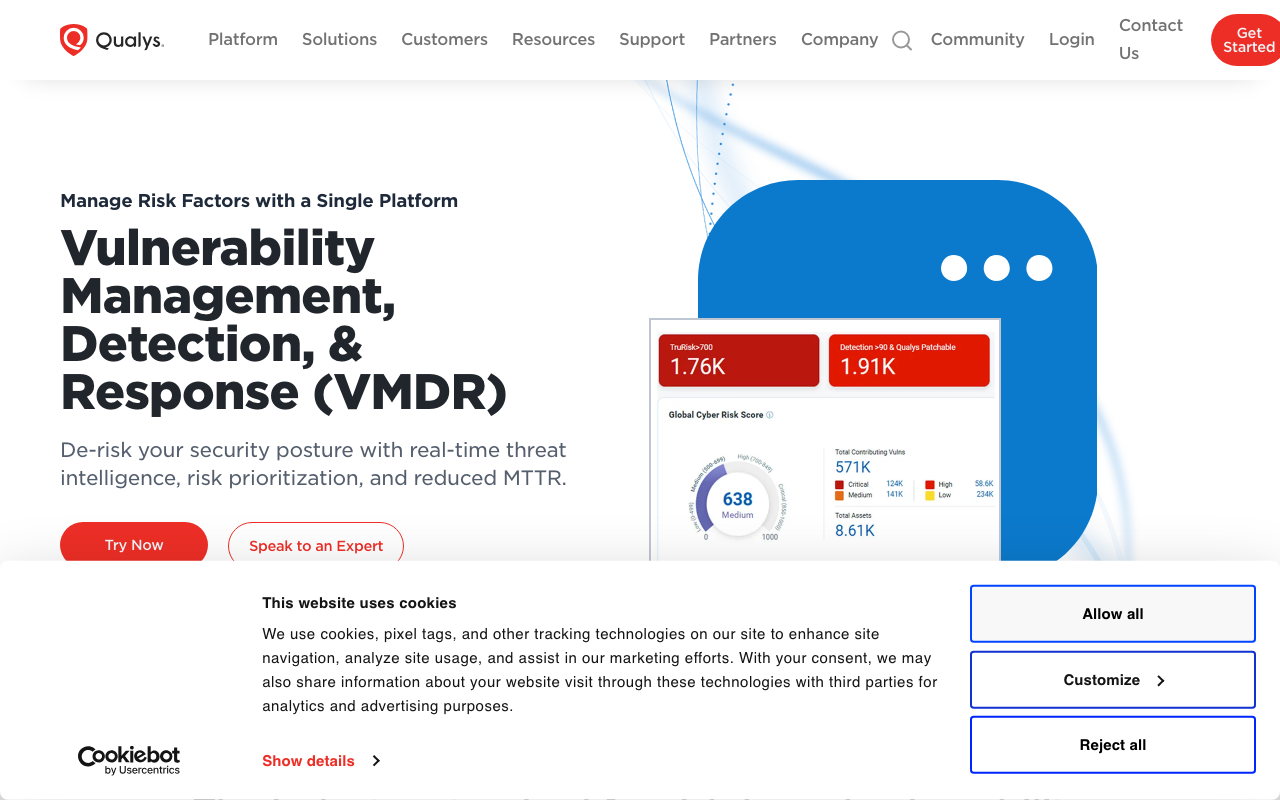
Qualys VMDR (Vulnerability Management, Detection and Response) takes a unified platform approach that Tenable doesn’t quite match: asset discovery, CVE scanning, threat prioritisation, and patch deployment all live in the same product. You don’t need to stitch together a separate patch management tool.
The standout is TruRisk, Qualys’s proprietary risk scoring model that pulls from 25+ threat intelligence sources and maps findings to the MITRE ATT&CK framework. The claim that it cuts critical vulnerability detection time by 24% versus competitors is consistent with what users report: TruRisk surfaces the right things faster than CVSS-only scoring.
The ITSM integrations (ServiceNow and Jira) are mature and widely used, which matters for teams that need vulnerability remediation to flow into existing engineering workflows.
The downside is complexity. Qualys VMDR is a powerful platform that takes real effort to configure well. Initial setup is not simple, agent deployment at scale requires third-party tooling, and the learning curve is real. Budget time for onboarding.
Pricing is not public. You’ll need to contact sales, which is frustrating for teams that want to shortlist before committing to a demo. A 30-day trial is available.
“
The TruRisk scoring and asset discovery are solid — we went from chasing hundreds of CVEs to a focused remediation list in weeks. The initial setup is complex and you'll need dedicated time to configure it properly, but once running, the prioritization has improved our remediation rate by around 30-35%.
★★★★☆Verified User· Enterprise · 1,000+ employees
Key features:
Pros of Qualys VMDR
Cons of Qualys VMDR
Pricing: Contact for pricing. 30-day trial available.
Best for: Large enterprises needing unified VM and patch management with deep compliance reporting for PCI DSS and CIS frameworks.
3. Rapid7 InsightVM
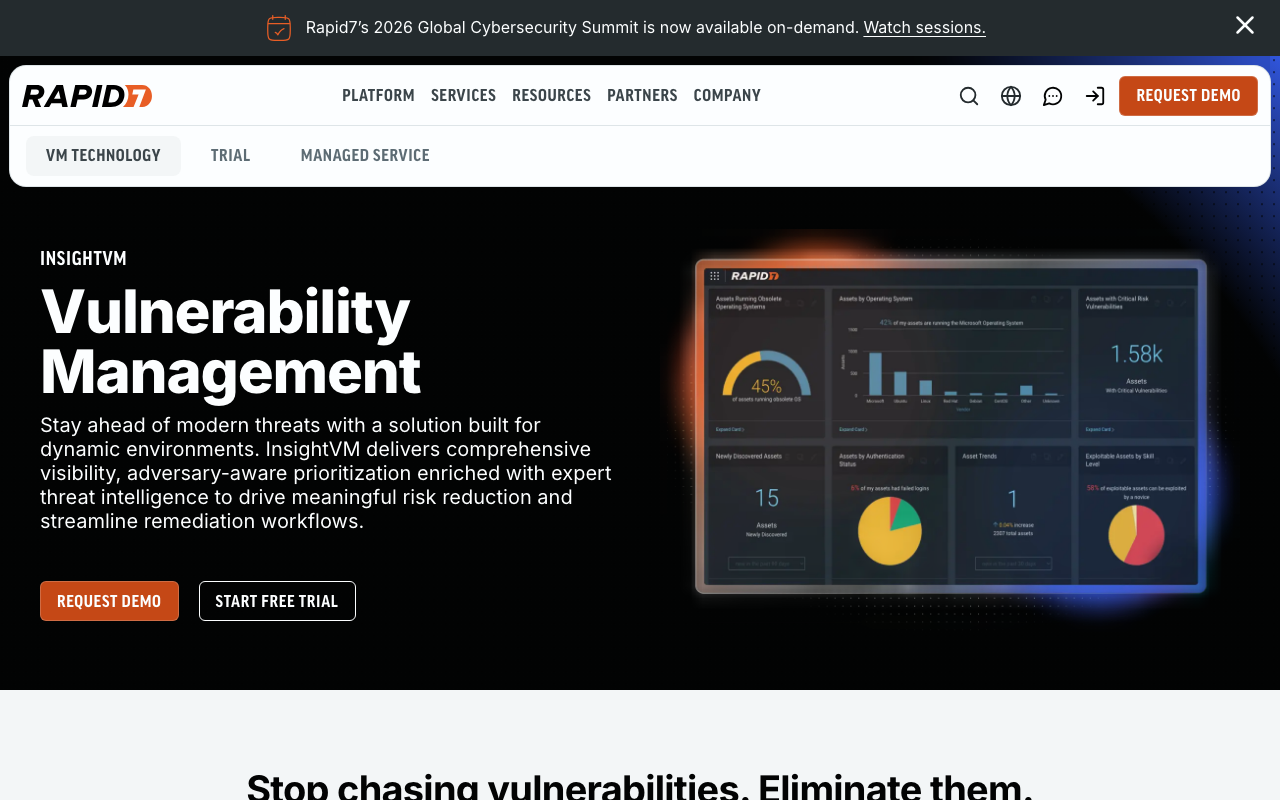
Rapid7 InsightVM is the platform I’d recommend to a security team that has scanner coverage but needs a better decision layer. Its Active Risk scoring model is the standout feature: it combines CVSS with threat intelligence, exploit availability, and asset criticality to give each vulnerability a live, contextualised risk score that updates as the threat landscape changes.
The reporting and dashboarding capabilities are genuinely strong. Live dashboards, remediation projects with assigned owners and SLAs, and risk reduction goals make this the best tool in the traditional VM category for communicating programme progress to leadership.
The 500+ native integrations mean InsightVM slots into almost any existing security stack without custom development. If your team is already using SOAR, ticketing, or SIEM tools, there’s likely a native connection.
The gaps: setup complexity is real, the same as most enterprise VM platforms. Some users report that custom dashboards and tagging rules at scale require ongoing maintenance. Support responsiveness has also been flagged as inconsistent. For teams without a dedicated VM engineer, consider whether this platform depth matches your capacity.
For SOC 2 compliance, InsightVM’s audit-ready reporting maps vulnerability findings directly to control requirements, which shortens the evidence-gathering process considerably.
“
The Active Risk scoring is the standout feature — it correlates CVE severity with real-world exploitability so our team knows what to fix first. Custom dashboards and the remediation goals tracking are genuinely useful for reporting up to leadership. Setup takes some effort at scale but the 500+ integrations mean it fits into any existing toolchain.
★★★★☆Neil Johnson· Enterprise
Key features:
Pros of Rapid7 InsightVM
Cons of Rapid7 InsightVM
Pricing: Contact for pricing. Free trial available.
Best for: Security teams in mid-market to enterprise organisations wanting risk-scored VM with strong reporting and a wide integration ecosystem.
4. Wiz
Wiz is what happens when you build vulnerability management for cloud-native environments from scratch rather than adapting a network scanner. It connects to your AWS, Azure, GCP, or Kubernetes environment via API, reads workload data without deploying agents, and surfaces CVEs in the context of your actual cloud architecture.
The attack path analysis is the feature that separates Wiz from most of this list. Rather than a flat list of CVEs, it shows you which combination of vulnerabilities and misconfigurations creates an exploitable path to your most sensitive assets. A critical CVE on an isolated instance with no network path to production is very different from a medium CVE on a public-facing container with an admin token attached. Wiz shows you that difference.
The reachability analysis goes further: it distinguishes between vulnerable packages that are actually loaded and executed versus packages that exist in an image but are never called. That eliminates a significant chunk of false positives.
Wiz has grown fast. Trusted by over 50% of Fortune 100 companies and rated 4.7/5 across 770+ reviews, which is unusually strong for a platform at this complexity level. The growth has brought some criticism: alert volume can be overwhelming without tuning, and pricing is fully enterprise with no transparent rates.
If you’re running cloud workloads and need vulnerability management that understands cloud context rather than just CVE counts, Wiz is the benchmark.
“
Wiz gave us a consolidated view of risks across our entire cloud estate within hours of connecting our accounts — no agents, no complicated setup. The attack path analysis is what sets it apart; it surfaces the combination of misconfigurations and vulnerabilities that actually create exploitable risk, not just raw CVE counts.
★★★★★Verified User· Enterprise · 1,000+ employees
Key features:
Pros of Wiz
Cons of Wiz
Pricing: Contact for pricing. Demo-based sales.
Best for: Cloud-native and enterprise teams running multi-cloud environments (AWS, Azure, GCP, Kubernetes) who want agentless CNAPP with strong vulnerability management.
5. CrowdStrike Falcon Exposure Management
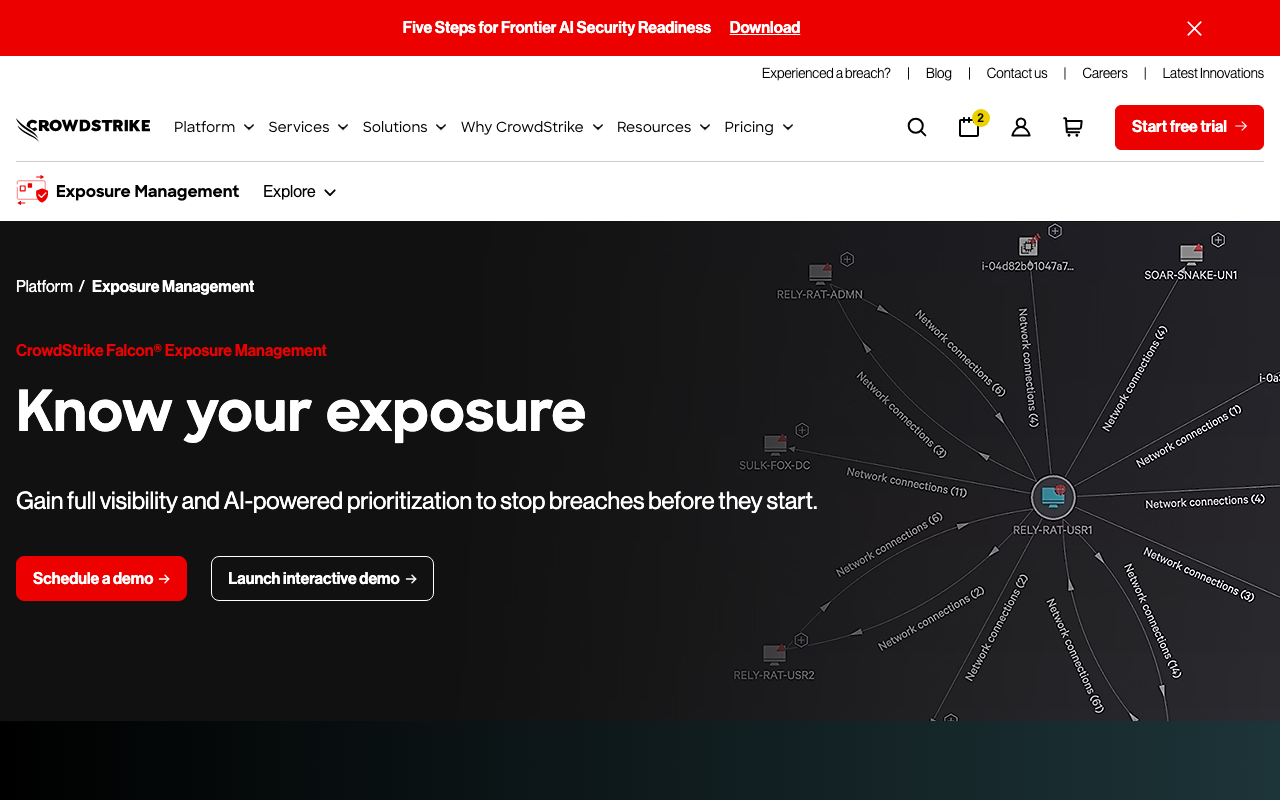
CrowdStrike Falcon Exposure Management makes the most sense if you’re already running CrowdStrike Falcon for endpoint protection. The core value proposition is simple: you already have the agent deployed across your endpoints. Extending into vulnerability and exposure management costs no new deployment, no new operational overhead, and no new agent to maintain.
That said, it’s not just an upsell. The Exposure Prioritization Agent is a genuinely capable AI layer that ranks vulnerabilities by exploitability and asset criticality, and the external attack surface discovery covers assets beyond your managed endpoints: cloud resources, unmanaged devices, OT/IoT, and shadow AI tools.
One customer reduced their critical vulnerability count by 98% in the first quarter after deploying it. That’s an extreme result, but it reflects what happens when AI prioritisation replaces manual CVE triage: teams stop spreading effort across thousands of low-impact findings and focus on the handful that matter.
The limitation is the same as Falcon broadly: pricing is not transparent, and the platform is best understood as a CrowdStrike ecosystem play. If you’re not already in that ecosystem, you’re evaluating the entire Falcon platform, not just this module.
“
If you're already running Falcon for EDR, adding Exposure Management is a no-brainer — there's no new agent, no new deployment headache. We cut our critical vulnerability count by 98% within the first quarter. The AI prioritization tells you what actually needs fixing, not just what's technically vulnerable.
★★★★★Verified User· Enterprise
Key features:
Pros of CrowdStrike Falcon Exposure Management
Cons of CrowdStrike Falcon Exposure Management
Pricing: Contact for pricing. 15-day free trial available.
Best for: Organisations already running CrowdStrike Falcon for endpoint protection who want to extend into vulnerability and exposure management without a new agent.
6. Orca Security
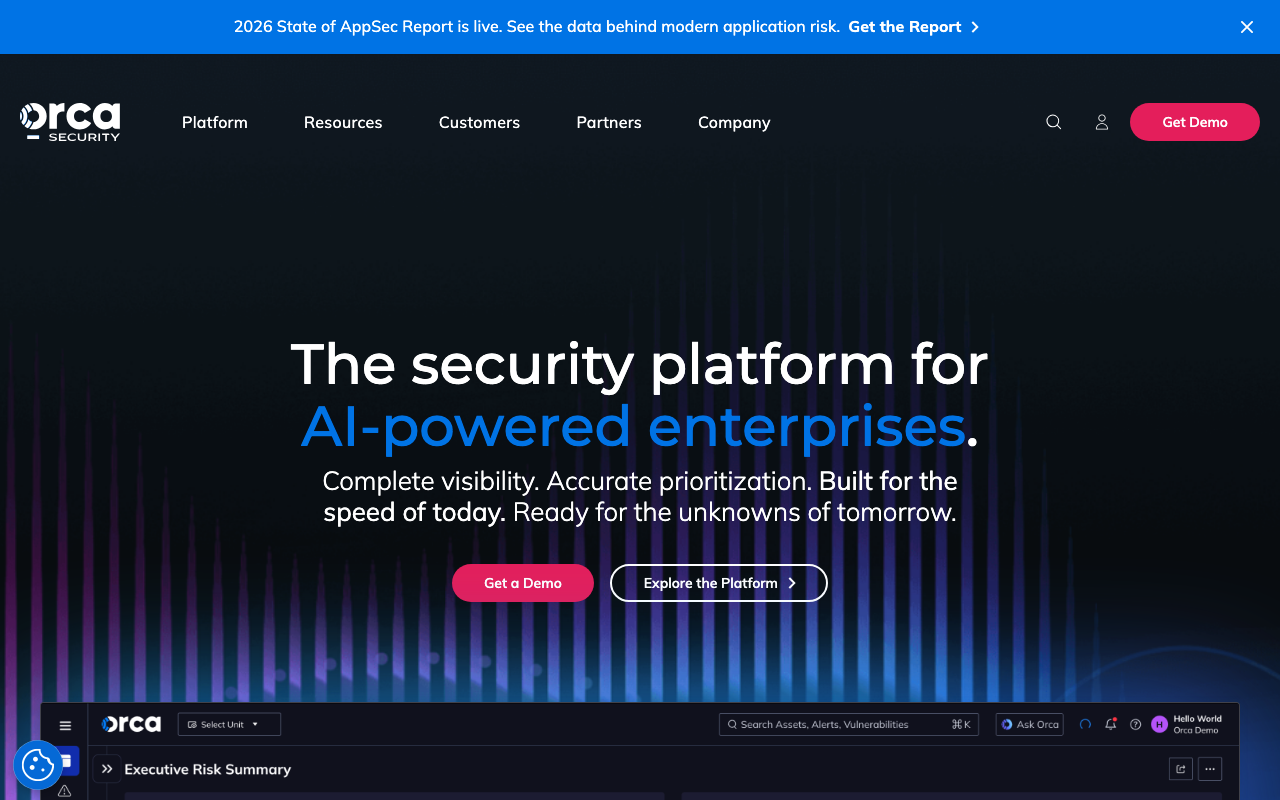
Orca Security is the agentless alternative to Wiz. Both are cloud-native CNAPPs with strong vulnerability management. The key difference is that Orca’s SideScanning technology reads cloud workload data entirely out-of-band: it doesn’t need agents, doesn’t require enabling CloudTrail or Azure Activity logs, and doesn’t touch your workload runtime. Setup is genuinely zero-touch.
The business impact scoring on attack paths is a strong differentiator. Orca doesn’t just tell you a vulnerability exists on a cloud asset. It tells you what business data that asset has access to and what the downstream impact of exploitation would be. That makes prioritisation conversations with non-security stakeholders much easier.
The reachability analysis is notable too: Orca distinguishes between vulnerable packages that are actually callable versus those that exist in the image but are never executed. On a large environment, that filtering can cut your actionable CVE list substantially.
With 4.6/5 across 222 reviews, Orca scores higher than Tenable or Qualys. The main criticism from users is alert fatigue when tuning is insufficient, and the interface can feel dense for teams new to cloud security.
“
The agentless setup is the real differentiator — we were scanning our entire AWS environment within an hour with zero prerequisites like enabling CloudTrail or Activity logs. The attack path analysis showed us how individual CVEs could chain together into actual exploitable risk, which transformed how we prioritise our remediation backlog.
★★★★★Verified User· Mid-Market · 201–500 employees
Key features:
Pros of Orca Security
Cons of Orca Security
Pricing: Contact for pricing.
Best for: Cloud security teams that want deep cloud vulnerability visibility without any agent deployment overhead.
7. Snyk
Snyk is the first tool on this list that is primarily a scanner rather than a full VM platform. It belongs here because it’s one of the most widely used developer security tools in the world, and for many engineering teams it’s the first place CVEs get caught.
Snyk’s focus is the software development lifecycle: it scans open source dependencies for known CVEs (SCA), container images, IaC templates, and first-party code (SAST). The IDE and CI/CD integrations mean vulnerabilities are flagged before code is merged, not after it’s deployed. The auto-fix PRs, where Snyk generates a pull request to bump a vulnerable dependency to a safe version, reduce the friction of remediation for developers significantly.
What Snyk doesn’t do is replace a VM management platform. There’s no centralised remediation tracking, no SLA enforcement, and no asset inventory beyond your codebase. If you need those things, Snyk feeds into a VM tool rather than replacing one.
The free tier is genuinely useful: unlimited developers, IDE and SCM integration, and enough test volume for most small engineering teams. The Team plan starts at $25/developer/month (minimum 5 developers) and adds Jira integration and licence compliance checking.
The main user complaint is false positives, particularly in certain language ecosystems. The risk scoring helps filter noise, but teams running large monorepos should expect some alert management overhead.
“
Snyk fits into how developers actually work — it flags CVEs in the IDE before code ever gets to a PR, and the auto-fix suggestions mean most issues get resolved without a security team ticket. The vulnerability database is extensive and up-to-date. The only watch-out is false positive noise on certain language ecosystems, but the risk scoring helps filter what actually matters.
★★★★★Stuart Larsen· Enterprise
Key features:
Pros of Snyk
Cons of Snyk
Pricing: Free (unlimited developers, limited tests). Team from $25/developer/month (min. 5 developers). Ignite at $1,260/developer/year. Enterprise custom.
Best for: Development teams and DevSecOps engineers who want vulnerability detection built into the SDLC rather than bolted on post-deploy.
8. Intruder
Intruder is the tool I’d point most startups and lean security teams toward. It covers the same core ground as the enterprise VM platforms (external scanning, internal scanning, cloud posture, container scanning) but packages it in a way that doesn’t require a dedicated security engineer to operate.
The key differentiator is output quality. Most scanners dump a long list of findings and leave you to interpret them. Intruder gives you prioritised, contextualised results with step-by-step remediation guidance. Teams with no security background have gone from scan to first fix in the same day. That’s rare.
The pricing is the most transparent in this list. Essential starts at $149/month (external scanning, web apps, APIs). Cloud adds container scanning and cloud posture checks at $299/month. Pro adds internal scanning at $499/month. There’s a 14-day free trial and you don’t need to talk to sales to get started.
Notable customers include Drata, PostHog, NHS, and Fujifilm, which is a credible mix of startup and enterprise adopters.
The GregAI security analyst is a newer addition: it runs automated AI analysis on top of scan results. It’s not a replacement for a human penetration tester, but for teams that need more depth than a standard scan, it adds meaningful coverage.
The gap with Intruder versus the enterprise platforms is depth of risk-based prioritisation. The scoring model isn’t as sophisticated as Tenable VPR, Qualys TruRisk, or Wiz’s attack path analysis. For a startup or mid-market team, that’s fine. For a large organisation with thousands of assets, you’ll likely outgrow it.
“
Intruder is the first vulnerability scanner I've used that doesn't require a security engineer to interpret the results. Findings come out already prioritised with step-by-step remediation guidance — we went from scan to first fix in the same afternoon. The emerging threat detection also flagged a critical CVE within hours of disclosure.
★★★★★Verified User· SMB · 51–200 employees
Key features:
Pros of Intruder
Cons of Intruder
Pricing: Essential $149/month, Cloud $299/month, Pro $499/month, Enterprise custom. 14-day free trial.
Best for: Startups and mid-market security teams wanting continuous VM with clear, actionable output that doesn’t require a dedicated security engineer.
If you’re a startup running vulnerability management as part of a SOC 2 or ISO 27001 programme, ComplyJet connects your VM findings to your compliance controls automatically, so scan results become audit evidence without manual work.
9. AWS Inspector
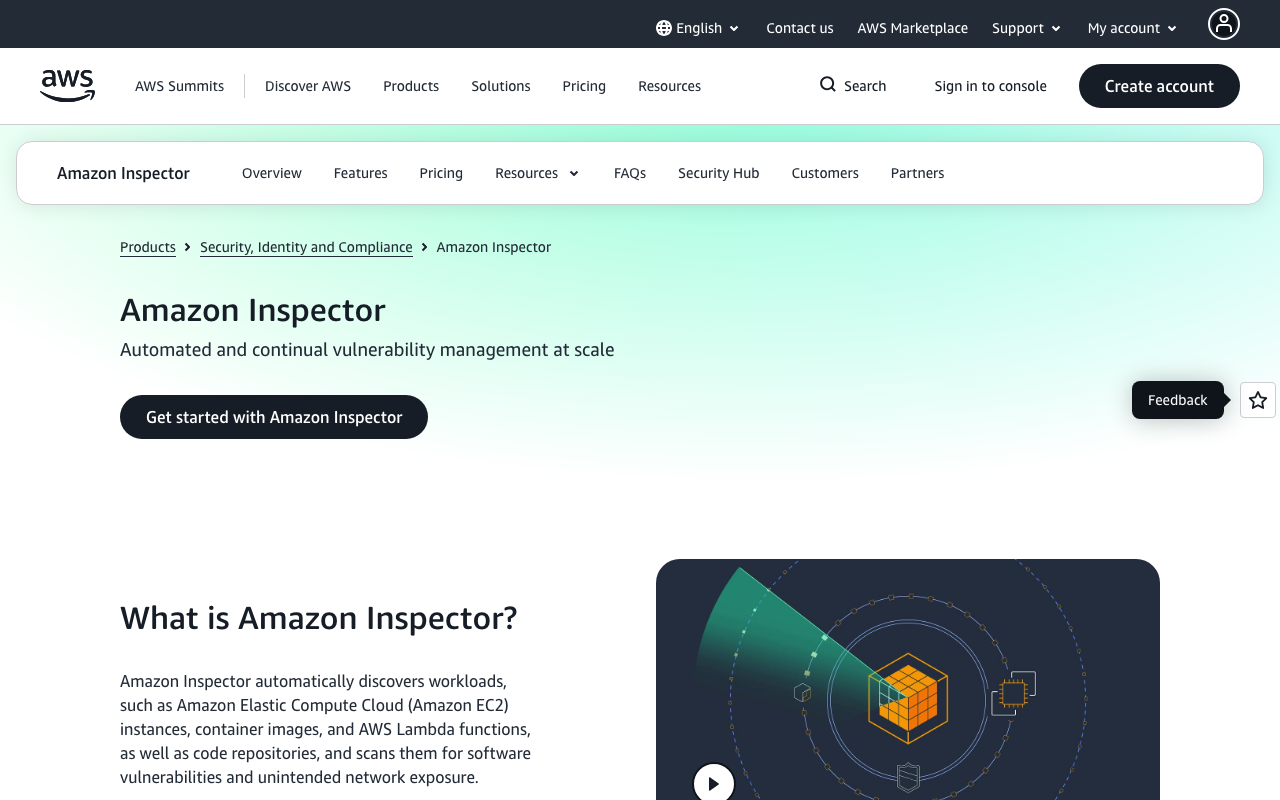
AWS Inspector is the native AWS vulnerability scanner. If your team runs primarily on AWS, it’s worth enabling before evaluating any commercial VM platform. It connects to your account, automatically discovers EC2 instances, Lambda functions, ECR container images, and code repositories, and starts scanning without any manual configuration.
The pricing model is unusual for this category: you pay per resource scanned. EC2 instances cost $1.26/month (agent-based) or $1.75/month (agentless). ECR images cost $0.09 for an initial scan on push and $0.01 per rescan. Lambda functions run $0.30 to $0.90/function/month depending on scan type. For small-to-medium AWS environments, that’s significantly cheaper than any commercial VM platform.
What AWS Inspector doesn’t provide is a management layer. It’s a scanner. It generates findings, surfaces CVEs with risk scores, and integrates with AWS Security Hub for centralised visibility. But there’s no remediation workflow, no SLA tracking, and no ticketing integration that isn’t built elsewhere. For teams running it as a standalone tool, that gap requires a workaround.
The best use case is as part of a broader stack: run it natively for continuous CVE detection across your AWS footprint, feed findings into Security Hub or a third-party SIEM, and manage remediation through Jira or ServiceNow. For CI/CD container scanning, the $0.03/image pricing and 25 free assessments on new accounts make it an easy addition to any pipeline.
“
Amazon Inspector just works for AWS-native teams — enable it once across your accounts and it automatically picks up new EC2 instances, Lambda functions, and ECR images without any manual setup. The per-resource pricing model means you only pay for what you scan, and the SBOM export is genuinely useful for compliance reporting.
★★★★☆Verified User· SMB · 51–200 employees
Key features:
Pros of AWS Inspector
Cons of AWS Inspector
Pricing: Pay-per-scan. EC2 from $1.26/instance/month. ECR images from $0.09/image on push. Lambda from $0.30/function/month. 15-day free trial for new accounts.
Best for: AWS-native teams wanting zero-configuration CVE scanning built into their cloud infrastructure without a commercial VM licence.
10. Microsoft Defender Vulnerability Management
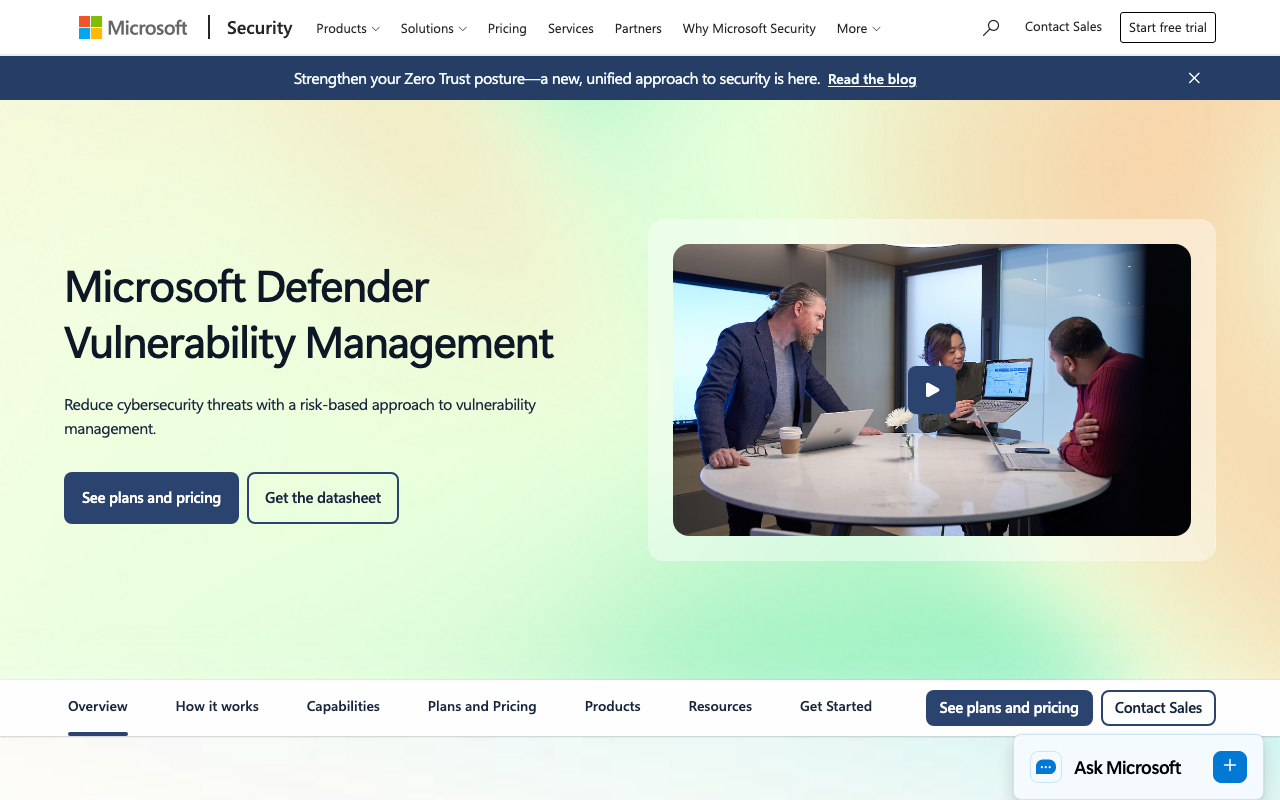
Microsoft Defender Vulnerability Management follows the same logic as CrowdStrike Falcon Exposure Management: if you’re already running the endpoint platform, the vulnerability management module is the obvious extension.
Defender for Endpoint already deploys a sensor across your Windows, macOS, and Linux fleet. The Vulnerability Management add-on uses that existing sensor to continuously surface CVEs, evaluate configurations against security baselines, and generate prioritised remediation recommendations without deploying anything new.
The breach likelihood predictions are a differentiator. Microsoft’s threat intelligence network is enormous, and Defender VM uses it to predict which vulnerabilities in your environment are most likely to be exploited based on observed attacker behaviour globally. That’s a different signal from CVSS or even VPR.
The multi-platform coverage is broad: Windows, macOS, Linux, Android, iOS, and network devices all from the same console. For organisations managing a mixed device fleet, that matters.
The catch: Defender Vulnerability Management is an add-on to Defender for Endpoint Plan 2. If you’re not already paying for that, you’re evaluating the whole Defender ecosystem, not just VM. For teams not primarily Microsoft-aligned, the value proposition weakens quickly.
“
If you're already running Defender for Endpoint, the vulnerability management add-on is a natural extension — it surfaces CVEs across our entire Windows and Linux fleet with zero additional agents. The breach likelihood scoring helps us justify patching priorities to leadership. It's not as feature-rich as Tenable for complex environments, but for a Microsoft-first shop it's the right fit.
★★★★☆Verified User· Enterprise · 1,000+ employees
Key features:
Pros of Microsoft Defender Vulnerability Management
Cons of Microsoft Defender Vulnerability Management
Pricing: Add-on to Microsoft Defender for Endpoint Plan 2. Standalone option available. Contact for pricing.
Best for: Organisations standardised on Microsoft Defender who want native vulnerability management without adding a new tool or agent.
11. Trivy (by Aqua Security)
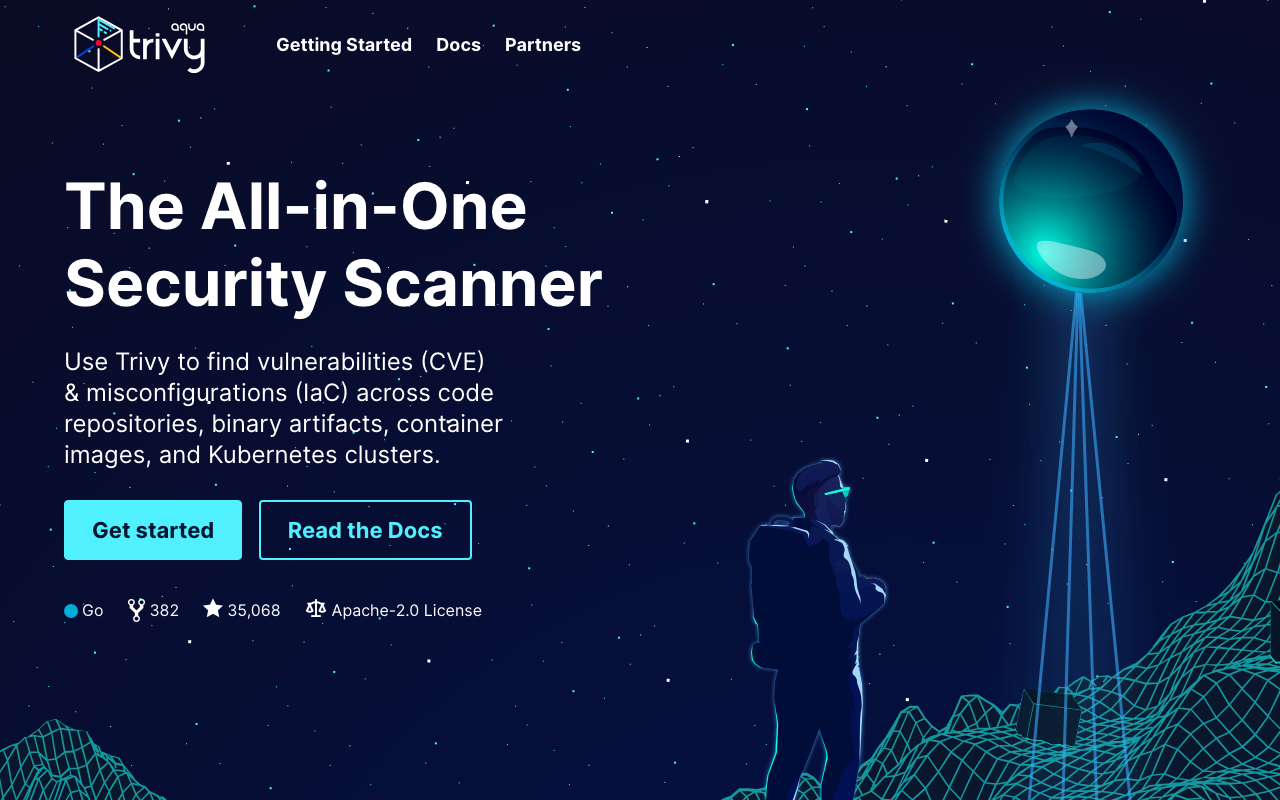
Trivy is the open-source scanner that’s quietly become the de facto standard for container CVE scanning in CI/CD pipelines. It’s free, fast, and does more than most commercial scanners charge for.
The scope is broader than most people realise. Trivy scans container images, code repositories, binary artifacts, Kubernetes clusters, and IaC templates (Terraform, CloudFormation, Kubernetes manifests). It detects CVEs in OS packages and application dependencies, misconfigurations, hardcoded secrets, licence compliance issues, and generates SBOMs in CycloneDX and SPDX formats. All of that is free, under the Apache 2.0 licence.
Where Trivy is most commonly deployed is as a gate in the CI/CD pipeline. Teams run trivy image against every container build and fail the pipeline if critical CVEs are found. It integrates natively with GitHub Actions, GitLab CI, Jenkins, and CircleCI, and with container registries including Azure Container Registry and Harbor.
What Trivy is not: a vulnerability management platform. There’s no dashboard, no remediation tracking, no ticketing integration, and no SLA monitoring. It scans and reports. The findings go wherever you route them. Production use typically involves sending Trivy results to a SIEM or VM platform for centralised management.
Notable production users include MasterCard, GitLab, Deutsche Bahn, and Wise. For a free, community-driven tool, that’s a strong signal of production-grade reliability.
“
Trivy is the de facto standard for container CVE scanning in CI/CD. It's fast, comprehensive, and the IaC scanning is a bonus on top. We run it on every image build and it's caught real issues before they hit production. The SBOM export has also been a lifesaver for compliance audits.
Verified User
Key features:
Pros of Trivy
Cons of Trivy
Pricing: Free. Apache 2.0 open-source licence, no paid tiers.
Best for: DevSecOps teams and developers wanting free, fast CVE and misconfiguration scanning integrated into CI/CD pipelines.
How to choose a vulnerability management tool
Do you need a full VM platform or a scanner?
Start here, because it changes what you’re evaluating entirely.
.cj-demo-cta{background:#2a150c;border-radius:14px;padding:24px 28px;display:flex;align-items:center;gap:20px;font-family:'Bricolage Grotesque',sans-serif;box-shadow:0 4px 20px rgba(42,21,12,0.18);}.cj-demo-btn{display:inline-flex;align-items:center;gap:8px;background:#ff4d00;color:#ffffff !important;padding:12px 22px;border-radius:8px;text-decoration:none;font-weight:700;font-size:14px;font-family:'Bricolage Grotesque',sans-serif;white-space:nowrap;flex-shrink:0;box-shadow:0 4px 12px rgba(255,77,0,0.3);}@media(max-width:640px){.cj-demo-cta{flex-direction:column;align-items:stretch;gap:12px;padding:20px 16px;}.cj-demo-btn{justify-content:center;}}
Free Demo
Turn your VM findings into SOC 2 and ISO 27001 audit evidence.
ComplyJet maps CVE scan results to compliance controls automatically.
A full VM platform (Tenable, Qualys, Rapid7, Wiz, Intruder) covers the whole lifecycle: scan, prioritise, assign, track, and report. You need this if vulnerability management is a formal programme, if you have an auditor who asks about it, or if you’re working toward SOC 2 or ISO 27001 certification.
A scanner (Trivy, AWS Inspector, Snyk) finds and reports CVEs. You need this for CI/CD pipeline gates, container registry scanning, or as a data source feeding a VM management platform. Many teams run both: a scanner in the pipeline plus a management platform for triage and tracking. Neither replaces the other.
Do you need risk-based vulnerability management tools or simple scan output?
If your team can realistically review and prioritise findings manually, a simpler tool works fine. If you’re managing thousands of assets, manual prioritisation breaks down fast.
Risk-based VM platforms (Tenable VPR, Qualys TruRisk, Rapid7 Active Risk, Wiz attack paths) combine CVSS with threat intelligence, asset criticality, and exploitability data to produce a ranked action list. For teams without a security engineer available to manually triage, that decision layer is the product.
Ask vendors: how is risk score calculated? What threat intelligence feeds does it use? Can you customise asset criticality weighting?
What environments do you need to scan?
The environment shapes the tool choice more than almost anything else:
What’s your budget and team size?
What about compliance evidence?
If you’re running vulnerability management as part of a SOC 2 or ISO 27001 programme, your VM tool is a control, not just a security tool. You need evidence of regular scanning, documented remediation, and risk acceptance decisions for open findings.
ComplyJet connects your VM tool findings to your compliance framework, maps CVEs to controls, and keeps audit evidence organised. Your scan results become compliance-ready without manual work.
If you’re a startup pursuing SOC 2 or ISO 27001 for the first time, ComplyJet is built for you: flat pricing, 350+ integrations, and a team that guides you through the process end to end.
Frequently asked questions (FAQ)
What are vulnerability management tools?
Vulnerability management tools are software platforms that continuously discover, scan, prioritise, and track security vulnerabilities across an organisation’s IT assets. The term covers both full management platforms (which include remediation workflows, SLA tracking, and reporting) and point scanners (which find and report CVEs). The distinction matters when you’re evaluating: a scanner tells you what’s vulnerable; a management platform tells you what to fix first and tracks that it gets fixed.
What is vulnerability management?
Vulnerability management is the ongoing programme of identifying, classifying, remediating, and mitigating security vulnerabilities in your systems. It’s not a one-time scan. It’s a continuous process that includes regular scanning, risk-based prioritisation of findings, assignment of remediation work, tracking to closure, and reporting to demonstrate programme effectiveness. Most compliance frameworks, including SOC 2 and ISO 27001, require evidence of a functioning vulnerability management programme.
What’s the difference between a vulnerability scanner and a vulnerability management tool?
A scanner finds and reports CVEs. A vulnerability management tool adds the decision and workflow layer on top: risk-based prioritisation, remediation assignment, SLA tracking, ticketing integration, and audit-ready reporting. In practice, many teams use a scanner in the CI/CD pipeline (Trivy, Snyk) and a management platform for centralised tracking (Tenable, Intruder, Wiz). The scanner feeds the management platform; neither replaces the other.
What are the best vulnerability management tools open source teams can use?
For open-source or free options: Trivy (container images, IaC, SBOM, CI/CD, completely free under Apache 2.0), OpenVAS/Greenbone (network scanning, open source), and Snyk’s free tier (open source dependency scanning, unlimited developers). For AWS-native teams, AWS Inspector’s pay-per-scan pricing is effectively near-free for small environments. None of these provide a full management layer, so combine with a centralised tracking tool if you need remediation workflow.
What is risk-based vulnerability management?
Risk-based vulnerability management (RBVM) is the approach of prioritising CVE remediation based on real-world exploitability, asset criticality, and business context, rather than CVSS score alone. A critical CVSS score on an isolated internal server with no sensitive data is less urgent than a medium CVSS score on a public-facing container with access to your production database.
Tools like Tenable VPR, Qualys TruRisk, Rapid7 Active Risk, and Wiz’s attack path analysis implement RBVM by combining CVE data with live threat intelligence, asset context, and network reachability.
How often should you run vulnerability scans?
Continuous scanning is the standard for modern VM platforms: most run background scans 24/7 and surface new findings in near real-time. For compliance purposes, SOC 2 and PCI DSS typically require at minimum quarterly internal scans. ISO 27001 requires regular scanning as part of the vulnerability management control but doesn’t specify a minimum frequency. If you’re only running periodic scans, move to continuous: the gap between scans is where exploitable CVEs go unnoticed.
How much do vulnerability management tools cost?
Costs vary widely. Free options exist: Trivy (open source), Snyk free tier, AWS Inspector pay-per-scan (near-zero for small AWS environments). Paid platforms start at $149/month for Intruder Essential, $3,500/year for Tenable (100 assets), and $25/developer/month for Snyk Team. Enterprise platforms (Qualys, Wiz, CrowdStrike, Orca) require custom quotes. Total cost of ownership also includes onboarding time, which varies significantly: Intruder and Wiz are fastest to value; Tenable and Qualys require dedicated configuration time to get the most out of them.
What are the top 10 vulnerability management tools?
The top vulnerability management tools by SERP frequency and user ratings are: Tenable Vulnerability Management, Qualys VMDR, Rapid7 InsightVM, Wiz, CrowdStrike Falcon Exposure Management, Orca Security, Snyk, Intruder, AWS Inspector, and Microsoft Defender Vulnerability Management. Trivy rounds out this list as the leading open-source scanner. The right pick from the top 10 vulnerability management tools depends on your environment: cloud-first teams lean toward Wiz or Orca; startups and lean teams lean toward Intruder; developer teams lean toward Snyk or Trivy.
Final thoughts
The right tool depends on three questions: Are you scanning infrastructure or code (or both)? Do you need a management layer or just scan output? And what’s your team’s actual capacity to operate the tool?
.cj-demo-cta{background:#2a150c;border-radius:14px;padding:24px 28px;display:flex;align-items:center;gap:20px;font-family:'Bricolage Grotesque',sans-serif;box-shadow:0 4px 20px rgba(42,21,12,0.18);}.cj-demo-btn{display:inline-flex;align-items:center;gap:8px;background:#ff4d00;color:#ffffff !important;padding:12px 22px;border-radius:8px;text-decoration:none;font-weight:700;font-size:14px;font-family:'Bricolage Grotesque',sans-serif;white-space:nowrap;flex-shrink:0;box-shadow:0 4px 12px rgba(255,77,0,0.3);}@media(max-width:640px){.cj-demo-cta{flex-direction:column;align-items:stretch;gap:12px;padding:20px 16px;}.cj-demo-btn{justify-content:center;}}
Free Demo
Running a VM programme? Connect it to your compliance framework.
Flat pricing, 350+ integrations, SOC 2 and ISO 27001 end to end.
For most startups, Intruder covers the essentials at an accessible price with clear output. For cloud-native teams, Wiz or Orca will give you cloud context that traditional scanners can’t match. For teams already in the CrowdStrike or Microsoft ecosystems, extend what you have before buying something new. And if you need free scanner coverage in CI/CD, Trivy is hard to beat.
Once your VM programme is running, connecting it to your compliance framework is the natural next step. If you’re working toward SOC 2 or ISO 27001, ComplyJet makes sure your scanning evidence lands in the right controls without manual work.