.svg)

You search for “penetration testing tools” and end up looking at Metasploit next to Astra Pentest next to Nmap in the same results page. One is a manual exploitation framework that requires years of security experience to use effectively. One is a service where certified testers run the engagement for you. One is a free command-line scanner that maps your network.
They are not substitutes for each other. Comparing them in the same list is like comparing a scalpel to a surgical team to an X-ray machine.
The problem is that “penetration testing tools” has become a catch-all phrase for four completely different product categories. Most buyers don’t realise this until they’ve already spent three hours on demo calls with vendors who do entirely different things.
I reviewed 16 penetration testing tools across all four categories, looking at what each one actually does, who it’s genuinely suited for, and where the pricing traps are. Whether you’re a startup that needs a pen test for SOC 2, a security engineer doing manual network engagements, or a developer trying to bake security into your CI/CD pipeline, there’s a specific type of tool built for your situation. This guide maps it out.
Why “penetration testing tools” means four different things
Most tools marketed as “penetration testing” fall into one of these buckets:
Key insight
Most buyers don't realise there are four distinct categories of penetration testing tools until they've already spent three hours on demo calls with vendors who do entirely different things.
PTaaS (Penetration Testing as a Service): A team of certified testers runs the engagement on your behalf. You scope the test, they execute it, you get a signed report. Best for compliance sign-off. You don’t need security expertise internally. Examples: Astra Pentest, Cobalt, HackerOne.
Automated/AI-driven platforms: Software that continuously executes attack scenarios without human testers involved. No scheduling, no engagements, runs on a recurring cadence. Best for enterprise teams wanting continuous validation. Examples: Pentera, NodeZero, vPenTest.
Network penetration testing tools: The CLI tools and exploitation frameworks professional pen testers use during manual engagements. Require real security expertise to operate. Not self-service. Examples: Nmap, Nessus, Metasploit, Wireshark.
Web application testing tools: Purpose-built for testing web apps and APIs. Range from free open-source scanners to enterprise DAST platforms. Used by AppSec engineers and developers. Examples: Burp Suite, OWASP ZAP, Invicti.
If you’re a startup needing a SOC 2 pen test letter, you want PTaaS. If you’re a security team wanting to replace expensive quarterly engagements with continuous coverage, you want automated tools. If you’re a pen tester on an engagement, you want the professional toolkit. The rest of this guide is organised accordingly.
How I selected these 16 tools
I looked at tools that appeared consistently across professional pen testing lists, had verifiable G2 or Capterra reviews, and had meaningful market presence beyond just marketing. Specific criteria:
Why it matters
Every tool on this list has verifiable reviews from actual practitioners — not just marketing copy and G2 badges.
- SERP frequency: how often each tool appears in expert-written pen testing guides
- Verified reviews: G2, Capterra, or Reddit threads from actual practitioners
- Pricing transparency: preference for tools with at least a starting price publicly listed
- Category coverage: ensuring all four functional types are properly represented
- Free and open-source options: explicitly called out where available
Quick comparison table
| Tool | Category | Pricing | Best for |
|---|---|---|---|
| Astra Pentest | PTaaS | Contact | Startups needing SOC 2/ISO 27001 pen tests |
| Intruder | PTaaS | From $149/mo | Cloud-native SMBs needing ongoing scanning |
| Cobalt | PTaaS | From $8,500 | Teams wanting real-time tester collaboration |
| HackerOne Pentest | PTaaS | Contact | Enterprise manual testing with researcher depth |
| Pentera | Automated | From $35K/yr | Enterprise continuous security validation |
| NodeZero | Automated | Free trial | Autonomous red teaming without human testers |
| Aikido Security | AppSec | $0–$350+/mo | Dev-first teams; SOC 2/ISO 27001 reports |
| vPenTest | Network | From $2,999 | MSPs and SMBs needing affordable network tests |
| Nmap | Network | Free | Foundational recon for all pen testers |
| Nessus | Network | $0–$6,790/yr | Network and system vulnerability scanning |
| Metasploit | Exploit | Free / Pro on request | Exploitation framework for pen testers |
| Wireshark | Network | Free | Traffic capture and protocol analysis |
| Burp Suite | Web app | Free to $499/yr | Web app and API manual and automated testing |
| OWASP ZAP | Web app | Free | CI/CD web app scanning at zero cost |
| Invicti (Acunetix) | Web app | Contact | Enterprise DAST with near-zero false positives |
| Nikto | Web app | Free | Fast web server recon and misconfiguration checks |
The 16 best penetration testing tools in 2026
PTaaS and managed penetration testing
For teams that want certified professionals to run the test and deliver a signed report. You don’t operate the tools. They do.
1. Astra Pentest
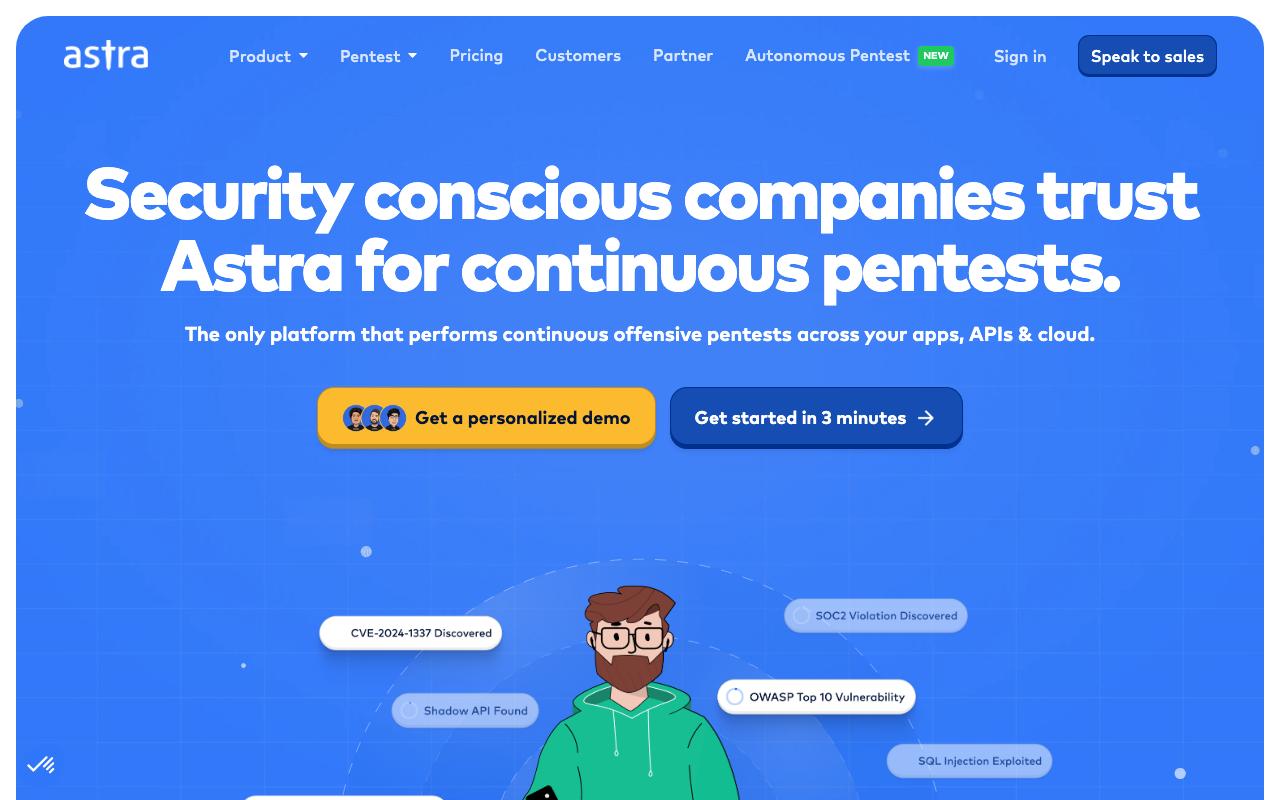
Astra Pentest sits at a sweet spot that most PTaaS platforms miss: it’s genuinely usable by startup teams who don’t have a dedicated security function. The platform combines automated scanning (13,000+ test cases covering OWASP Top 10, SANS 25, and known CVEs) with manual testing by certified engineers, and it plugs directly into your CI/CD pipeline via GitHub, GitLab, Jenkins, and CircleCI.
If you’re going through SOC 2, ISO 27001, PCI-DSS, or HIPAA, the compliance-ready reports are formatted to satisfy auditor requirements without additional work on your end.
The main complaints I see are around time zone lag on communication (the team is primarily India-based) and occasional dashboard slowdowns during heavy scans. Neither is a dealbreaker for most startups. For a first pen test tied to a compliance deadline, Astra is one of the most frictionless options available.
“
Their platform is easy to use and offers competitive pricing with excellent professional service across penetration testing and vulnerability management. Over several years of partnership, they've been consistently responsive and flexible.
★★★★★Irfaan J.· Information Technology and Services
Via Capterra ↗Key features:
- 13,000+ automated test cases (OWASP Top 10, SANS 25, known CVEs)
- Hybrid automated and manual testing by certified engineers
- CI/CD integrations (GitHub, GitLab, Jenkins, CircleCI, Bitbucket)
- Compliance-ready reports for SOC 2, ISO 27001, PCI-DSS, HIPAA
- Integrations with Vanta, Slack, and Jira
- Unlimited rescans during active engagement
Pros of Astra Pentest
- One of the lowest-friction PTaaS options for first-time buyers
- Compliance output formatted for auditor review
- CI/CD-native means security fits into developer workflows
Cons of Astra Pentest
- Time zone differences with India team can slow urgent back-and-forth
- Dashboard can lag during resource-heavy scans
- No public pricing; requires a conversation to scope
Pricing: Contact for pricing; target-based model
Best for: Startups and growing SaaS teams pursuing compliance certifications for the first time
2. Intruder
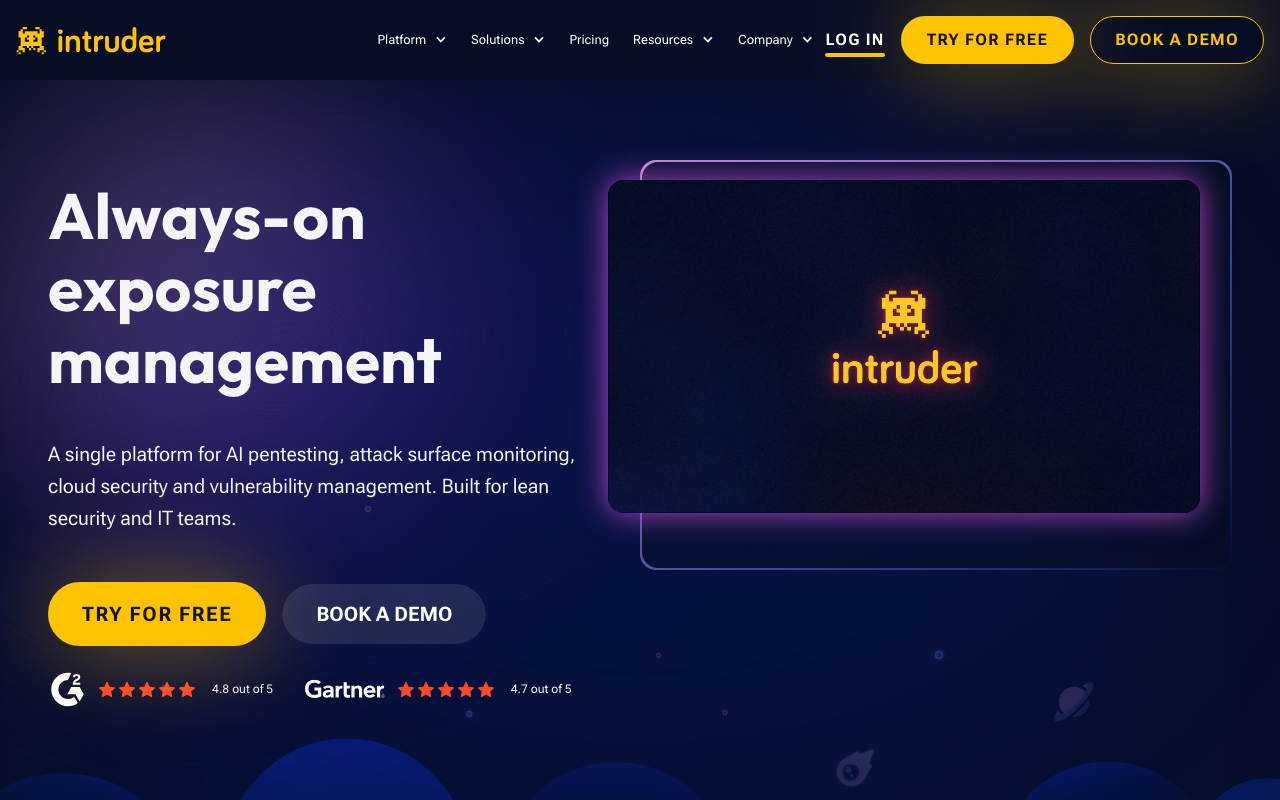
Intruder is less a traditional PTaaS platform and more a continuous attack surface management tool with pen testing credits bundled in. Instead of running a single engagement once a year, Intruder scans continuously and alerts you when new vulnerabilities emerge, then gives you monthly pentesting credits you can use for deeper assessments. For cloud-native teams who need ongoing coverage rather than a one-time audit, this model makes more sense than a traditional engagement.
The Essential plan starts at $149/month and covers basic continuous scanning. The Cloud plan adds cloud security integration (AWS, Azure, GCP), an AI security analyst, and five pentesting credits per month, which makes it one of the more affordable entry points for teams that want real coverage without a full security hire. The main frustration I hear from smaller teams is that the pricing feels steep when you’re only managing a handful of targets at first.
“
Intruder's proactive scans mean that we get notified as soon as there is a problem. We also use it for our annual penetration testing. As a child-focused technology company, cybersecurity is paramount — Intruder gives us the confidence we need.
★★★★★Colleen W.· Small business · Consumer Electronics
Via Capterra ↗Key features:
- Continuous vulnerability scanning across network, web app, and API targets
- DAST covering OWASP Top 10 for custom web apps
- Cloud security integration for AWS, Azure, and GCP
- Emerging threat detection when new CVEs are published
- AI security analyst for finding prioritisation
- Compliance-ready reporting
Pros of Intruder
- Continuous coverage rather than point-in-time snapshots
- SMB-friendly entry pricing
- 15+ integrations including Slack, Jira, and GitHub
Cons of Intruder
- Pricing scales quickly with more targets or cloud accounts
- Annual compliance reporting requires Pro tier
- Not a substitute for a thorough manual engagement for complex environments
Pricing: Essential from $149/mo, Cloud from $299/mo, Pro from $499/mo, Enterprise custom
Best for: Cloud-native startups and SMBs that need ongoing vulnerability monitoring alongside periodic manual testing
3. Cobalt
Cobalt built its model around one insight: the most frustrating part of traditional pen testing is the waiting. You hire a firm, wait weeks for the engagement to start, wait more weeks for a report, and by the time you get findings, half your codebase has changed.
Cobalt addresses this with a vetted community of 400+ certified testers and a platform that delivers findings in real time via Slack during the engagement. You can message your tester directly, ask questions, and watch findings come in as they’re discovered.
The credit model takes some getting used to: one Cobalt Credit equals eight hours of testing time, and credits are sold in annual packages. Standard engagements start around $8,500 for a web app with one user role. The pricing is transparent once you understand the model, but first-time buyers often find it confusing before they grasp how credits map to scope.
“
The intuitive interface and direct communication with testers via Slack makes collaboration genuinely useful — you're not waiting for a final report to know what was found. The credit model takes some getting used to, but the flexibility is worth it for teams running multiple asset types.
★★★★☆Verified User· Mid-Market · 51–200 employees
Via G2 ↗Key features:
- Manual testing by a vetted global community of certified pen testers
- Real-time findings delivery and live Slack collaboration with testers
- Coverage for web apps, APIs, mobile, cloud, and internal networks
- 50+ tool integrations (Jira, GitHub, ServiceNow, and more)
- Free retesting of remediated findings
- Compliance-aligned reports (OWASP, CVSS)
Pros of Cobalt
- Real-time tester access is a genuine differentiator versus static reports
- Methodology covers a broader surface than most PTaaS platforms
- 50+ integrations fit into most engineering workflows
Cons of Cobalt
- Credit model is confusing for buyers not familiar with hours-based scoping
- Expensive for smaller organisations with limited scope
- Credits don’t roll over to the next contract year (except Enterprise)
Pricing: Standard from $8,500/engagement; Premium and Enterprise on request
Best for: Growing tech companies that need recurring manual pen tests with tester transparency and speed
4. HackerOne Pentest
HackerOne Pentest is the PTaaS arm of the largest bug bounty and vulnerability disclosure platform in the world. Its differentiator is researcher depth: testers are drawn from the same pool that has found critical vulnerabilities in Adobe, Grammarly, and Zebra Technologies through HackerOne’s broader programme. The AI copilot Hai assists with remediation advice, summarises report details, and helps triage findings faster.
This is an enterprise product. It supports web apps, APIs, cloud environments (AWS and Azure), mobile (iOS and Android), LLMs, and desktop applications. Critical vulnerabilities are reviewed and triaged within a single day. If you’re a 15-person startup running your first pen test, this is overkill. If you’re a scaling tech company running complex infrastructure with compliance requirements across SOC 2, ISO 27001, NIST, GDPR, or DORA, the researcher quality justifies the price.
“
The researcher quality is genuinely impressive and the platform is polished. Triage is fast and the AI-assisted remediation summaries save us hours per report. It's best suited for teams that already have a structured security program — the learning curve is real if you're starting from scratch.
★★★★☆Verified User· Enterprise · 1001–5000 employees
Via G2 ↗Key features:
- Agentic AI combined with expert human pen testing
- Real-time findings dashboard with live integrations (GitHub, Jira, Slack, ServiceNow)
- Covers web, API, cloud, mobile (iOS/Android), LLMs, and desktop
- Hai AI copilot for remediation guidance and report summarisation
- Same-day critical vulnerability triage
- Compliance documentation covering SOC 2, ISO 27001, CREST, NIST, FISMA, GDPR, and DORA
Pros of HackerOne Pentest
- Depth of researcher expertise is unmatched in the PTaaS market
- AI-assisted triage genuinely reduces time-to-remediation
- Broad compliance documentation output
Cons of HackerOne Pentest
- High entry cost; typically $10,000+ per engagement
- Best suited to teams already running structured security programmes
- Interface has a learning curve for first-time buyers
Pricing: Contact for pricing; typically $10,000+ per engagement depending on scope
Best for: Enterprise and growth-stage tech companies needing rigorous, compliance-documented manual pen tests
Automated and AI-driven penetration testing
For teams that want software to continuously run attacker-style tests without scheduling human testers. Think of it as a permanent automated red team.
5. Pentera
Pentera is the category leader for Automated Security Validation, and after talking to security teams that use it, the reason is clear: it doesn’t just find vulnerabilities, it chains them the way an actual attacker would. The platform autonomously executes reconnaissance, exploitation, lateral movement, privilege escalation, and ransomware simulation across internal networks, external surfaces, cloud environments, and Active Directory, then shows you exactly which paths an attacker would use.
The four modules (Core for internal, Surface for external, Cloud for cloud/AD, and Resolve for guided remediation) can be deployed together or separately. More than 1,000 organisations use it globally, and the 4.7/5 rating across 400+ reviews reflects genuine enterprise adoption, not marketing. The entry price of $35,000/year makes it inaccessible for most startups. But for enterprise security teams spending that or more on quarterly pen testing engagements, the math works.
“
The clarity of the reporting and how quickly we can move from detection to remediation is the standout. Pentera doesn't just flag vulnerabilities — it shows you the full chain of how an attacker would exploit them. That changes the conversation with leadership entirely.
★★★★★Verified User· Enterprise · 1001–5000 employees
Via G2 ↗Key features:
- Autonomous pen testing across internal networks, cloud, and Active Directory
- Full attack chain simulation: reconnaissance through privilege escalation
- RansomwareReady module for ransomware resilience testing
- Pentera Resolve for automated remediation workflow orchestration
- Safe execution in live production environments
- CTEM (Continuous Threat Exposure Management) framework alignment
Pros of Pentera
- Most mature automated security validation platform in the market
- 80% reduction in cyber risk and 60% reduction in third-party pen testing costs reported by customers
- Production-safe: does not cause outages or data loss during testing
Cons of Pentera
- Enterprise-only pricing ($35K/yr starting point)
- Reporting is functional but could be more customisable
- Overkill for teams without a dedicated security function
Pricing: From $35,000/year; annual subscription, custom quote
Best for: Enterprise security teams running continuous threat exposure programmes who want to reduce or replace third-party pen testing spend
6. NodeZero (Horizon3.ai)
NodeZero by Horizon3.ai makes one claim that most autonomous pen testing platforms can’t back up: no agents, no scheduling friction, no waiting. You deploy via Docker or an OVA file in minutes, run a test, and get proof-of-exploitation results the same day. Every finding comes with a fix and a verification step so you can confirm the remediation actually worked.
The attack path visualisation is worth calling out specifically. Rather than giving you a list of vulnerabilities, NodeZero shows you a step-by-step map of how an attacker would chain weaknesses to reach your most sensitive assets, which makes the “so what” conversation with business stakeholders significantly easier. A Forrester study found users avoided an average of $255,000/year in third-party pen testing costs. The free trial makes it easy to validate the ROI case before buying.
“
Results come back the same day — it highlights what to fix, how to fix it, and shows remediations. NodeZero lets us run regular penetration tests on a schedule, which we simply couldn't afford to do before. The attack path visualisation completely changed how we explain risk to the board.
★★★★★Verified User· Mid-Market · 201–500 employees
Via G2 ↗Key features:
- Fully autonomous pen testing, no agents required
- Attack path chaining showing step-by-step exploitation sequences
- Proof of exploitation for every identified finding
- Fix Verify: quick retest to confirm remediation worked
- NodeZero Tripwires: deception tokens to detect real adversaries
- Covers internal, external, Kubernetes, cloud, and Active Directory
- Unlimited scheduled pentests
Pros of NodeZero (Horizon3.ai)
- Fastest deployment of any autonomous platform: up and running in minutes
- Attack path visualisation makes board-level reporting straightforward
- Unlimited test runs on a schedule means continuous coverage
Cons of NodeZero (Horizon3.ai)
- Docker setup can be painful in enterprise networks with strict egress controls
- Less customisable than manual tools for specific edge cases
- Pricing not disclosed publicly; requires a sales conversation
Pricing: Contact for pricing; free trial available
Best for: Enterprise and mid-market security teams who want continuous automated pen testing without the overhead of external consultants
7. Aikido Security
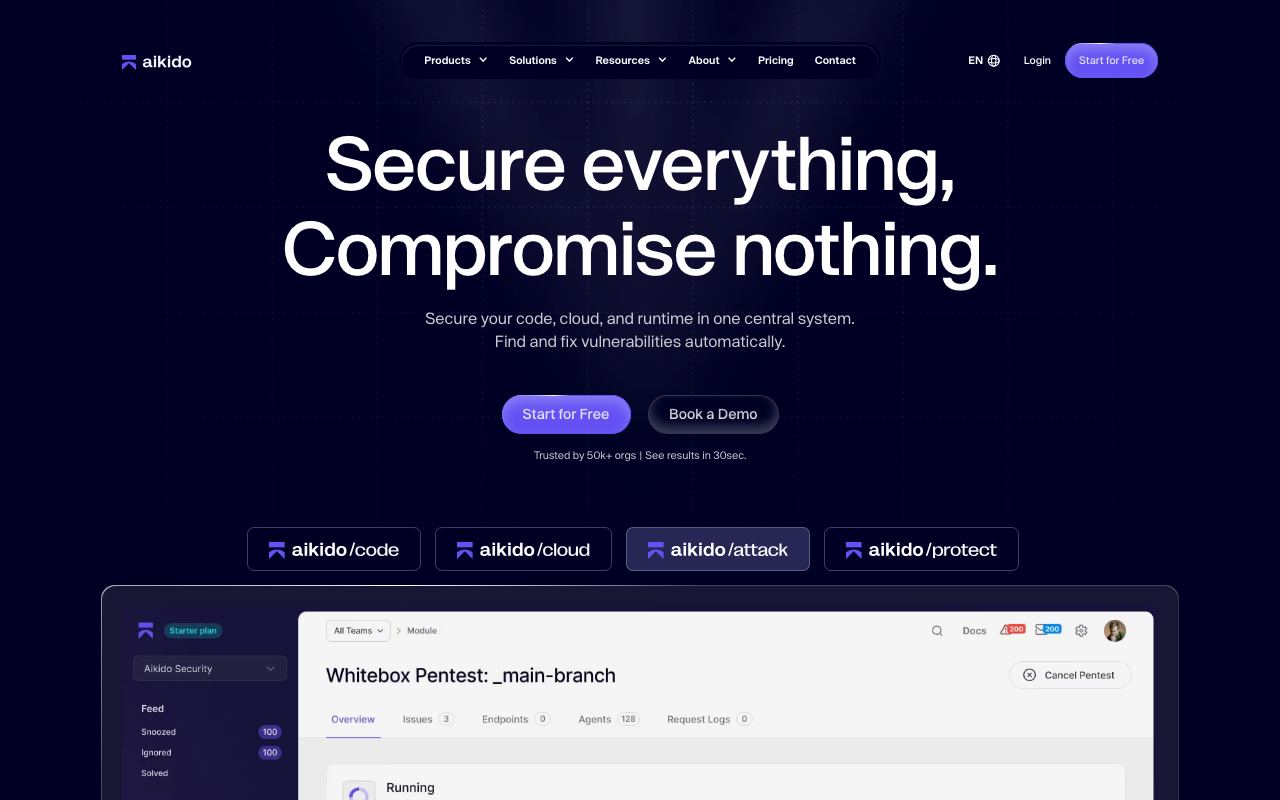
Aikido Security is the only tool on this list that gives you a genuinely useful free tier and still covers pen testing. The free plan includes SAST, SCA, secrets detection, DAST, container image scanning, and cloud security posture management.
The paid tier adds AI Pentesting: an automated module that simulates real-world attacks on your app and API using models trained on thousands of real exploits, then generates an audit-ready pen test report formatted for SOC 2 and ISO 27001 evidence requirements.
The honest caveat: Aikido’s AI pentesting is not a substitute for a thorough manual engagement on a complex application. What it covers (injection flaws, access control issues, IDOR, cross-tenant access) is solid, but an experienced tester will find business logic vulnerabilities that automated tools miss.
For a startup that needs a pen test report for compliance and doesn’t have a dedicated AppSec team, Aikido’s output is often sufficient. For a fintech with complex auth flows, you’ll want something more thorough alongside it.
“
We switched from Snyk and the difference in price-to-value is significant. Aikido consolidates what used to be four separate tools into one dashboard, and the AI pentest reports are good enough to submit for SOC 2 evidence. The free tier alone has more coverage than most paid alternatives.
★★★★★Verified User· SMB · 11–50 employees
Via G2 ↗Key features:
- AI Pentesting module with automated attack simulation and proof-of-exploit
- SAST, SCA, secrets detection, DAST, container scanning, and CSPM in one platform
- Audit-ready pen test reports for SOC 2 and ISO 27001 compliance
- One-click AutoFix powered by AI for remediation
- IDE plugins, PR security reviews, and Jira integration
- Startup discount (up to 30% off for teams under $1.5M funding)
Pros of Aikido Security
- Best free tier of any tool on this list: covers AppSec fundamentals at zero cost
- Consolidates four to six separate tools into one dashboard
- AI pentest reports accepted as SOC 2 and ISO 27001 audit evidence
Cons of Aikido Security
- AI pentesting is not a full substitute for manual testing on complex apps
- Significant pricing jump from the free tier to paid plans (from $0 to $350/month)
- Advanced customisation and policy tuning limited on lower tiers
Pricing: Free tier available; Pro from $350/month; Enterprise custom
Best for: Dev-first startups and engineering teams needing a full AppSec platform with automated pen test reports for compliance
8. vPenTest (Vonahi Security)
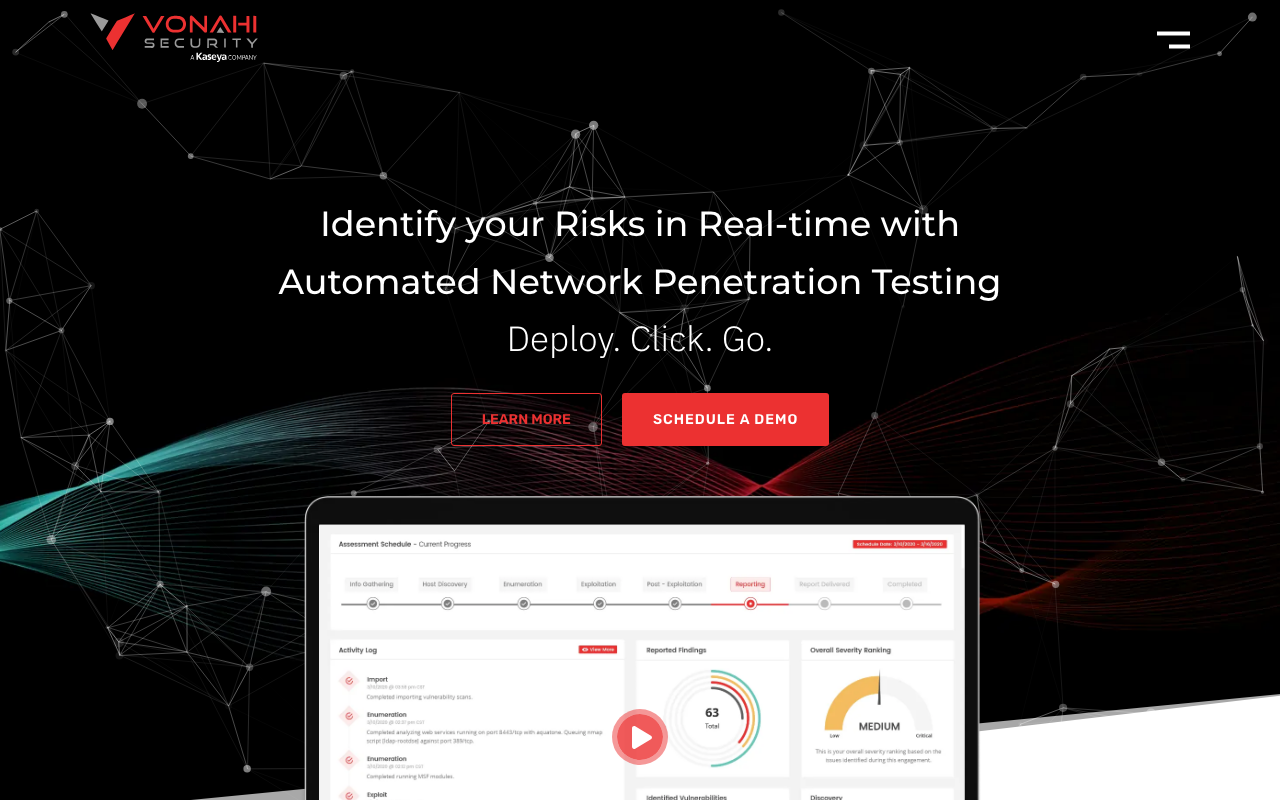
vPenTest by Vonahi Security does something most “automated pen testing” tools don’t actually do: it exploits vulnerabilities rather than just scanning for them. The platform performs man-in-the-middle attacks, cracks password hashes, escalates privileges, and even tests your environment against compromised credentials pulled from dark web leaks. Reports are delivered within 48 hours of the test completing.
The starting price of $2,999 makes it the most affordable automated network pen testing option on this list by a wide margin. One case study cited 87% lower cost compared to a traditional manual engagement, with results delivered in one day instead of two months. The caveat is scope: vPenTest covers network penetration testing specifically. If you need web application testing or API testing, you’ll need a separate tool.
“
We scheduled the pen test within 30 minutes and got results in one day — compared to two months with a manual pen tester, at 87% less cost. The report was detailed enough to satisfy our cyber insurance requirements without any back-and-forth.
★★★★★Verified User· SMB · 51–200 employees
Via G2 ↗Key features:
- Automated network pen testing with actual exploitation (not just scanning)
- Man-in-the-middle attack simulation
- Password hash cracking and privilege escalation testing
- Dark web credential validation during pen tests
- Results delivered within 48 hours
- MSP portal for managing multiple client environments
- Flexible scheduling: monthly, quarterly, or on-demand
Pros of vPenTest (Vonahi Security)
- Most affordable automated pen testing starting price on this list
- Genuinely exploits vulnerabilities, showing actual impact rather than just flags
- MSP-friendly architecture for multi-client management
Cons of vPenTest (Vonahi Security)
- Network-focused only: web app and API testing not covered
- Less customisable methodology than enterprise platforms
- No public pricing page; requires a quote request
Pricing: From $2,999 per engagement; 60%+ cheaper than traditional manual pen tests
Best for: MSPs, IT teams, and compliance-driven organisations that need frequent, affordable network pen tests
Network penetration testing tools
The professional toolkit used by pen testers during manual engagements. These are not self-service platforms. They require security expertise to use effectively.
9. Nmap
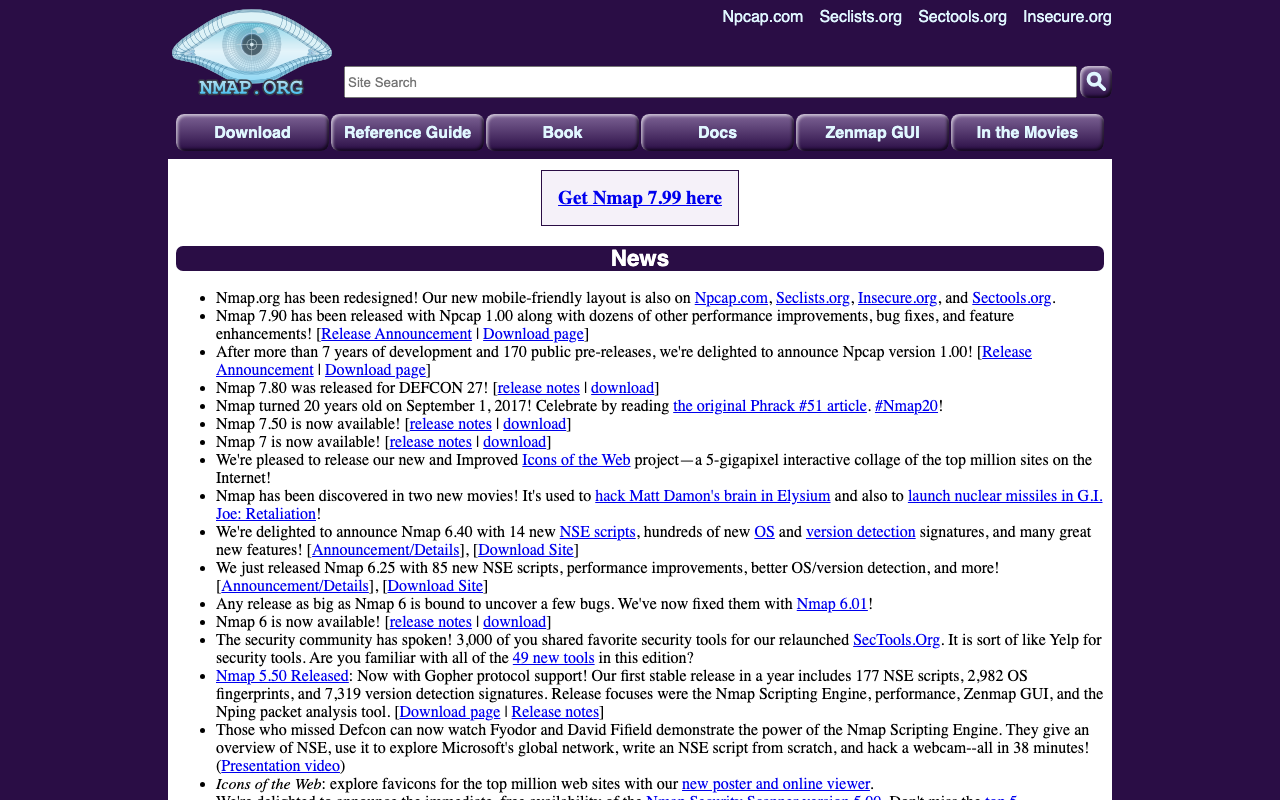
Nmap (Network Mapper) is the first tool a pen tester runs on every engagement. It’s been around since 1997 and is still the most reliable way to map a network: what hosts are live, which ports are open, what services are running on them, what OS they’re running, and what firewall or filtering is in place. It’s free, open source, and runs on Linux, Windows, and macOS.
The Nmap Scripting Engine (NSE) is where the real power is. NSE scripts extend Nmap beyond basic scanning into automated vulnerability checks, authentication brute-forcing, and service enumeration. There are hundreds of community-written scripts available, and writing custom ones is straightforward for anyone who knows Lua. The Zenmap GUI makes basic scanning accessible to less experienced users. Advanced usage, especially writing and chaining NSE scripts, requires experience.
“
Nmap is the first tool I run on every engagement. The NSE scripts alone make it a complete reconnaissance suite — you can go from host discovery to detailed service fingerprinting to basic vulnerability checks without switching tools. The learning curve for advanced scanning is steep, but the documentation is excellent.
★★★★★Verified User· Mid-Market · 201–500 employees
Via G2 ↗Key features:
- Host discovery, port scanning, and OS fingerprinting
- Service and version detection across open ports
- Nmap Scripting Engine (NSE) for automated task extension
- Zenmap GUI for visualising scan results
- Ncat for data redirection and network debugging
- Ndiff for comparing scan results over time
- Runs on Linux, Windows, and macOS
Pros of Nmap
- 25+ year track record; universally trusted by security professionals
- NSE scripts extend coverage into vulnerability detection territory
- Completely free with no licence restrictions
Cons of Nmap
- Advanced NSE scripting requires Lua knowledge and security experience
- Not a self-service tool; producing useful output requires knowing what to look for
Pricing: Free and open source (Nmap Public Source License)
Best for: All pen testers and security professionals needing foundational network reconnaissance
10. Nessus
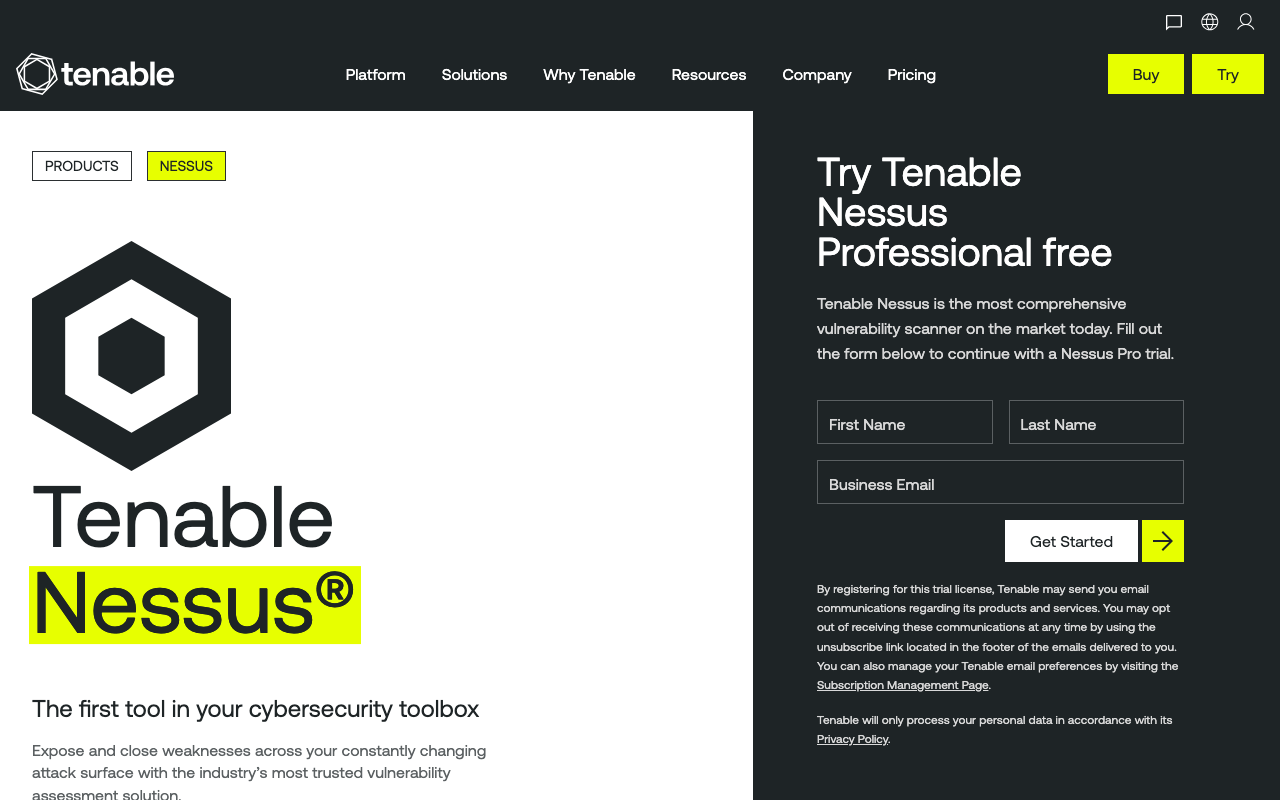
Nessus by Tenable is the most widely deployed vulnerability scanner in the world, and for most pen testers doing network assessments, it forms the second step after Nmap: once you’ve mapped the network, Nessus tells you what’s vulnerable on it. The plugin library covers 210,000+ checks across 77,000+ CVEs, which means you’re unlikely to miss a known vulnerability in anything you can reach.
What distinguishes Nessus from free alternatives like OpenVAS is the prioritisation layer. Findings are scored using CVSS v4, EPSS (exploitability prediction), and Tenable’s proprietary VPR (Vulnerability Priority Rating) system, so you’re not just getting a list of vulnerabilities, you’re getting a ranked list of what to attack or patch first.
The 450+ scan templates, including pre-built configurations for PCI-DSS, CIS benchmarks, and HIPAA, save significant time when the engagement has a compliance component. The free Essentials tier covers up to 16 IPs, which is enough for personal use or small-scope assessments.
“
The low false positive rate is what keeps me coming back. The interface is more intuitive than competing scanners, and the compliance scan templates save enormous amounts of time when you're doing PCI or CIS audits. 450+ templates is not marketing copy — it's genuinely useful for specific use cases.
★★★★★Verified User· SMB · 11–50 employees
Via G2 ↗Key features:
- 210,000+ plugins covering a vast range of vulnerabilities and misconfigurations
- CVSS v4, EPSS, and VPR vulnerability prioritisation scoring
- 450+ pre-built scan templates (PCI, HIPAA, CIS, DISA STIG)
- Credentialed and uncredentialed scanning
- Web app scanning and external attack surface discovery (Expert tier)
- Configurable, exportable reports
Pros of Nessus
- Industry-leading plugin coverage; very low false positive rate
- Compliance scan templates save hours on PCI and CIS assessments
- Free Essentials tier (up to 16 IPs) for personal or low-scope use
Cons of Nessus
- Professional licence at $4,790/year is expensive for individual practitioners
- Web app scanning only available in the Expert tier ($6,790/year)
- Essentials tier is too limited for serious professional use
Pricing: Essentials free (up to 16 IPs); Professional $4,790/year; Expert $6,790/year
Best for: Security professionals and pen testers who need comprehensive, reliable vulnerability scanning as the foundation of network assessments
11. Metasploit
Metasploit is the most used penetration testing framework in the world, and it’s been that way for over two decades. The free, open-source Framework gives pen testers access to 4,000+ exploit modules, 330+ post-exploitation modules, and tools for brute-forcing credentials across 20+ account types including databases, web servers, and remote admin interfaces. Rapid7 maintains it commercially, but the Framework itself remains free.
The way pen testers use Metasploit in practice: Nmap and Nessus identify what’s running and what’s vulnerable, Metasploit provides the exploit to prove that the vulnerability is actually exploitable (not just theoretically present), and the post-exploitation modules demonstrate what an attacker could do after gaining access: lateral movement, privilege escalation, credential harvesting, and more.
The combination of these three tools (Nmap, Nessus, Metasploit) forms the core of most professional internal network pen testing engagements. Metasploit Pro adds workflow automation, reporting, and phishing campaign management for teams running structured programmes.
“
Metasploit is indispensable. The exploit library breadth means you rarely have to go elsewhere, and the post-exploitation modules let you demonstrate real impact rather than just flagging a CVE. The free Framework covers 95% of what most pen testers need day-to-day.
★★★★★Verified User· Mid-Market · 201–500 employees
Via G2 ↗Key features:
- 4,000+ exploit modules across network, system, and web targets
- 330+ post-exploitation modules for privilege escalation and lateral movement
- Credential brute-force against 20+ account types
- Antivirus evasion techniques for testing detection capabilities
- Smart Exploitation for automated vulnerability validation
- Phishing and USB campaign wizards (Pro only)
- Integration with InsightVM for closed-loop vulnerability management (Pro only)
Pros of Metasploit
- Unmatched exploit library breadth; most comprehensive public exploit database available
- Post-exploitation modules let you demonstrate real impact rather than just flag CVEs
- Free Framework covers the needs of most professional pen testers
Cons of Metasploit
- Steep learning curve; finding the right module for a specific target requires experience
- Pro pricing is undisclosed and requires a sales conversation
- Not appropriate without explicit written authorisation
Pricing: Framework free and open source; Metasploit Pro pricing on request
Best for: Penetration testers and red teams needing a comprehensive exploitation framework for network and system testing
12. Wireshark
Wireshark is a packet capture and analysis tool, not an attack tool. In a pen testing context, it’s used to intercept network traffic during an engagement: capturing credentials transmitted in cleartext, identifying protocols that shouldn’t be in use, validating that MITM attacks are executing correctly, and confirming that network-based attack traffic is being sent and received as expected.
It supports deep inspection of 1,000+ protocols, SSL/TLS decryption (if you have the keys), and live capture on most operating systems. The display filters are powerful once you learn the syntax, and the community documentation is among the best for any open-source tool. Wireshark is not the first tool most people think of when they hear “penetration testing tools,” but it’s one of the few tools that nearly every experienced network tester has open during an engagement.
“
Essential for any network-level testing. I use it to validate that MITM attacks are capturing the right traffic and to identify protocols that shouldn't be transmitting data in cleartext. The filter syntax is powerful once you learn it — and the community documentation is exceptional.
★★★★★Verified User· Mid-Market · 201–500 employees
Via G2 ↗Key features:
- Deep packet inspection across 1,000+ protocols
- Live traffic capture and offline pcap analysis
- SSL/TLS, WEP, and WPA/WPA2 decryption (with keys)
- Advanced display filters for traffic isolation
- VoIP call analysis and stream reconstruction
- Compatible with tcpdump and Pcap NG capture files
- Available on Windows, Linux, and macOS
Pros of Wireshark
- Gold standard for network traffic analysis; no credible alternative
- Exceptional community documentation and active development
- Free with no restrictions
Cons of Wireshark
- Passive tool: captures and analyses traffic, does not perform attacks
- Display filter syntax has a learning curve
- Not directly useful for web application testing
Pricing: Free and open source (GNU GPL)
Best for: Pen testers and network security analysts who need traffic capture and protocol analysis during network engagements
Web application penetration testing tools
Purpose-built for testing web applications and APIs. Range from free open-source scanners to enterprise DAST platforms.
13. Burp Suite
Burp Suite by PortSwigger is the industry standard for web application penetration testing. The most direct evidence: “At Microsoft, Burp Suite is what you use. It’s not up for consideration.” That quote is from a real security engineer at Microsoft, and it reflects how the professional community treats this tool.
The Professional edition ($499/year) gives pen testers everything they need: an intercepting proxy for modifying HTTP/S traffic in real time, an automated scanner with intelligent crawling, full API testing support (OpenAPI, GraphQL, SOAP), and Burp AI for exploration and validation.
The 300+ extensions in the BApp Store extend Burp into specialised testing territories including specific vulnerability classes, framework-specific checks, and reporting formats. The free Web Security Academy is one of the best resources for learning web application security, and it’s free regardless of whether you buy Burp Pro. The Community edition is free but has no automated scanning. The Enterprise edition handles organisation-wide CI/CD-integrated scanning at a much higher price point.
“
At Microsoft, Burp Suite is what you use. It's not up for consideration — it's the standard. The combination of manual control and delegated scanning in one tool means you're never jumping between products. Burp AI has meaningfully improved how fast we can validate complex logic flaws.
★★★★★Verified User· Enterprise · Microsoft
Via G2 ↗Key features:
- Intercepting proxy for real-time HTTP/S traffic inspection and modification
- Automated vulnerability scanner with intelligent crawling
- API testing for OpenAPI, GraphQL, and SOAP
- Burp AI for agentic exploration and validation
- 300+ BApp Store extensions
- Custom Bambdas and BChecks for extensibility
- Automated reporting for documentation
- Web Security Academy: free security training
Pros of Burp Suite
- Best combination of manual control and automated scanning in a single web app testing tool
- $499/year Professional licence is reasonable for the depth it provides
- Gartner Peer Insights Customers’ Choice 2024
Cons of Burp Suite
- Community edition has no automated scanning; the free version is limited
- Enterprise edition pricing ($19,121/year) is steep for smaller security teams
- Learning curve is significant for testers new to web app security
Pricing: Community free; Professional $499/year; Enterprise from $19,121/year
Best for: Web application and API pen testers who need a complete manual and automated testing platform
14. OWASP ZAP
OWASP ZAP (Zed Attack Proxy), now maintained by Checkmarx, is the most capable free alternative to Burp Suite for web application security testing. It combines an intercepting proxy, active and passive vulnerability scanners, a spider for crawling web apps, a fuzzer, and a REST API for CI/CD pipeline integration, all at no cost.
The CI/CD integration is where ZAP genuinely excels over Burp for DevSecOps teams. The API is well-documented, and teams can run automated security scans on every build without any per-seat or per-scan cost.
It’s not as deep as Burp Suite Professional for manual testing, and the Checkmarx acquisition has raised some community concerns about long-term direction. But for a startup running a pipeline-integrated web app security scan at zero cost, nothing else comes close. ZAP also supports 300+ add-ons through the ZAP Marketplace for extending coverage to specific vulnerability types.
“
ZAP is in our CI/CD pipeline on every deployment. The API is well-documented and the active scanner catches OWASP Top 10 issues reliably. It's not as deep as Burp Suite Pro for manual testing, but for automated pipeline scanning at no cost, nothing comes close.
★★★★★Verified User· SMB · 11–50 employees
Via G2 ↗Key features:
- Active and passive vulnerability scanning for web applications
- Intercepting proxy for HTTP/S traffic inspection
- AJAX spider for crawling modern single-page applications
- Fuzzer for testing input validation
- REST API for CI/CD pipeline integration
- 300+ add-ons via the ZAP Marketplace
- HUD (Heads Up Display) for in-browser testing
Pros of OWASP ZAP
- Completely free with no restrictions; Apache License 2.0
- Best CI/CD integration of any web app security scanner
- OWASP backing provides credibility for compliance contexts
Cons of OWASP ZAP
- Less depth than Burp Suite Pro for manual testing by experienced testers
- Some community concern about Checkmarx’s long-term stewardship direction
- UI is less polished than commercial alternatives
Pricing: Free and open source (Apache License 2.0)
Best for: Developers and DevSecOps engineers who need a capable web app scanner with CI/CD integration at zero cost
15. Invicti (Acunetix)
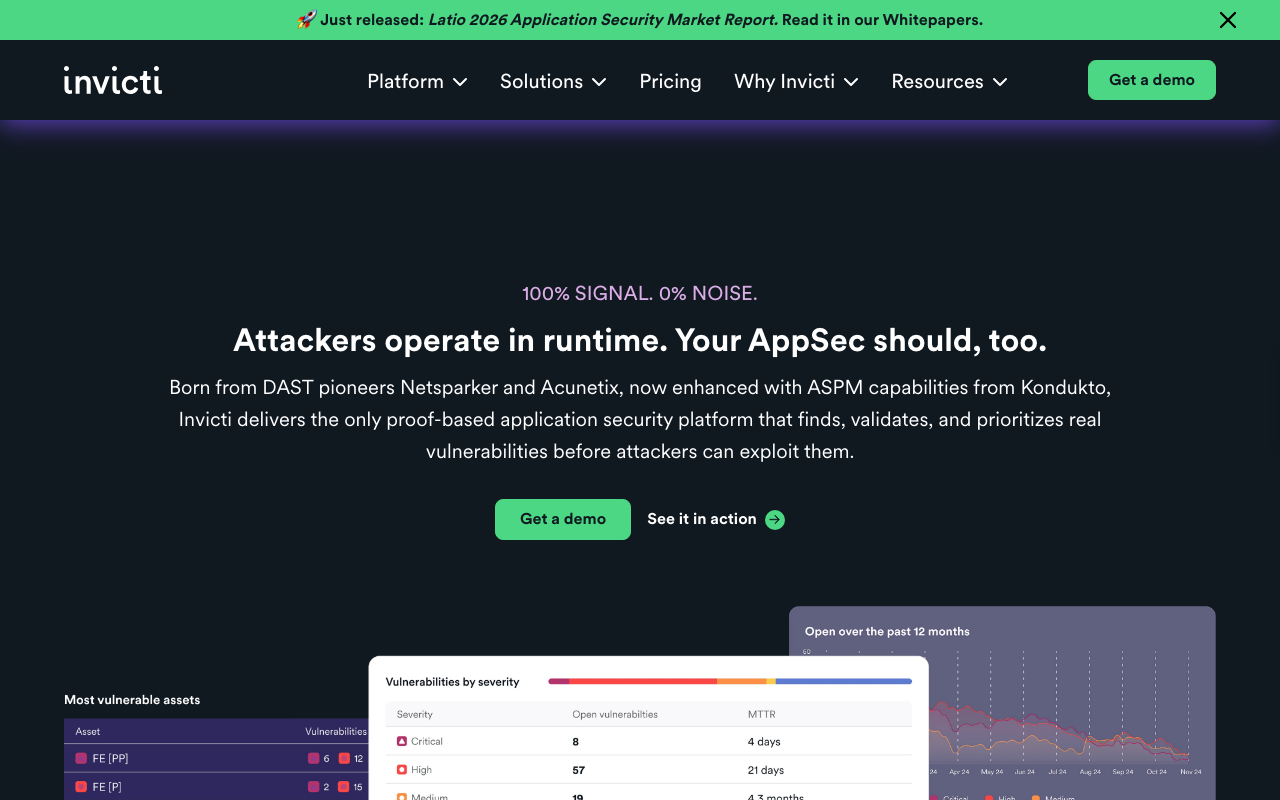
Invicti makes a bold claim: 100% signal, 0% noise. The mechanism behind it is proof-based scanning. Instead of flagging a potential SQL injection vulnerability, Invicti confirms it by executing a safe proof-of-concept exploit and showing you the actual response. This cuts false positive triage from hundreds of potential findings down to a small number of confirmed ones. The platform reports 99.98% scan accuracy and scans 8x faster than leading competitors.
Invicti’s Acunetix product line serves the mid-market; the full Invicti platform targets enterprise AppSec programmes managing 1,000+ applications. Both include DAST, API security (REST, SOAP, GraphQL), shadow API discovery, and integrations with 110+ tools including Jenkins, GitHub, Jira, and ServiceNow. The customer list (NASA, FAA, Cisco, Deloitte, EY, KPMG) reflects where this platform sits: large organisations that need credible, scalable application security with minimal analyst overhead.
“
The proof-based scanning is genuinely useful — instead of triaging 500 potential findings, we get 50 confirmed ones. The Jira integration means developers see validated vulnerabilities in their existing workflow without needing to learn another tool. Pricing is enterprise-tier, but the signal-to-noise ratio justifies it.
★★★★☆Verified User· Enterprise · 1001–5000 employees
Via G2 ↗Key features:
- Proof-based scanning: confirms vulnerabilities with automated exploit evidence
- 99.98% scan accuracy with near-zero false positives
- DAST for web applications and APIs (REST, SOAP, GraphQL)
- ASPM for unified vulnerability management across the full security stack
- Shadow API discovery and undocumented specification reconstruction
- SCA for open source dependency risk
- 110+ integrations
Pros of Invicti (Acunetix)
- Proof-based scanning dramatically reduces false positive triage time
- Enterprise scale: supports 1,000+ application portfolios
- Strong developer tooling: AI-powered remediation guidance built in
Cons of Invicti (Acunetix)
- Pricing is not public and is expensive at enterprise scale
- Some long-term users report customer support quality issues on renewal
- Per-target pricing model can become costly for large application inventories
Pricing: Contact for pricing; per-target subscription model
Best for: Enterprise AppSec teams managing large application portfolios who need high-accuracy DAST with minimal false positive noise
16. Nikto
Nikto is the last tool on this list and in some ways the most straightforward. It’s a free, open-source command-line web server scanner that checks for 6,700+ dangerous files and CGI scripts, 1,250+ outdated server versions, and common server misconfigurations (exposed directory listings, insecure HTTP methods, weak SSL/TLS configurations, default credential files). It takes minutes to run and produces results immediately.
Nikto is deliberately non-stealthy: it runs as fast as possible and will appear clearly in server logs and IDS alerts. In an authorised pen test, that’s fine. Nikto is typically run as a first-pass tool before bringing in Burp Suite for manual testing, because it reliably catches the low-hanging fruit: default configuration files left in place, outdated server versions, and file paths that shouldn’t be publicly accessible.
It’s not actively maintained at high velocity and has no GUI, but for free open-source web server scanning, it remains a standard part of the toolkit.
“
Nikto is old but still finds things other scanners miss — default credentials, exposed backup files, and misconfigured headers that modern tools deprioritise. It's not glamorous, but it's fast and free. I run it on every web server I'm given permission to test.
u/netsec_practitioner
Via Reddit ↗Key features:
- 6,700+ checks for dangerous files, CGI scripts, and known vulnerabilities
- 1,250+ outdated server version checks
- SSL/TLS configuration weakness detection
- Insecure HTTP method detection (PUT, DELETE, TRACE)
- Default install and backup file identification
- Multiple report formats: plain text, XML, HTML, CSV
- Customisable scan tuning (exclude specific test categories)
Pros of Nikto
- Completely free; no licence, no registration
- Fast first-pass results; useful for catching obvious misconfigurations before deeper testing
- CISA-listed tool with long community track record
Cons of Nikto
- Command-line only; no GUI
- Not maintained at the same pace as commercial tools
- Intentionally non-stealthy: will trigger IDS and appear in server logs
Pricing: Free and open source (GPL)
Best for: Pen testers who need a fast, free web server scan to identify obvious misconfigurations before conducting deeper manual testing
How to choose the right penetration testing tool
The biggest mistake buyers make is comparing tools across different categories. Pentera and Nmap are not alternatives to each other. They solve different problems for different buyers. Start with your goal, then your team, then your budget.
Free Demo
Need your SOC 2 or ISO 27001 pen test evidence sorted?
ComplyJet handles evidence collection, controls, and audit prep end-to-end.
What are you actually trying to accomplish?
If you need a pen test letter for SOC 2, ISO 27001, PCI-DSS, or cyber insurance, you need PTaaS: Astra Pentest, Cobalt, or HackerOne depending on your budget and scope. The output needs to be a signed report from a certified tester, not a software-generated scan summary.
If you want continuous security validation to replace or reduce quarterly pen testing engagements, you need an automated platform: Pentera or NodeZero for enterprise budgets, vPenTest for network-focused use cases, Aikido if you want developer-integrated AppSec alongside pen testing reports.
If you’re a pen tester on an engagement, you need the professional toolkit: Nmap for recon, Nessus for vulnerability scanning, Metasploit for exploitation, Wireshark for traffic analysis, Burp Suite or OWASP ZAP for web app testing.
How technical is your team?
No in-house security function: PTaaS only. Astra and Intruder have the lowest setup friction and don’t require you to know what to do with findings. Security-aware developers: Aikido and OWASP ZAP integrate into existing workflows without requiring security expertise. Dedicated pen testers or red team: Metasploit, Burp Suite, Nmap, Nessus — full control expected and required.
What’s your budget?
Free tools: Nmap, Metasploit Framework, OWASP ZAP, Wireshark, Nikto, Nessus Essentials (16 IPs), and Aikido’s free tier together cover most AppSec and network recon needs at zero cost.
SMB budget ($150 to $500/month): Intruder Essential or Cloud for continuous scanning, Astra Pentest for compliance engagements, Burp Suite Professional for web app testing.
Mid-market ($3K to $35K/year): vPenTest for affordable automated network testing, Cobalt Standard for managed engagements, Nessus Professional for serious scanning.
Enterprise ($35K+/year): Pentera or NodeZero for continuous validation, Invicti for enterprise DAST, HackerOne Pentest for complex manual engagements.
How often do you need to test?
Annual (compliance-driven): PTaaS. Cobalt or Astra for structured engagements with a defined scope and a signed deliverable. Continuous / always-on: Pentera, NodeZero, or Intruder. The whole point of these platforms is that you’re not scheduling tests, you’re running them constantly. On-demand before a release or after an infrastructure change: vPenTest, NodeZero (free trial), or Aikido’s AI Pentest module covers most situations quickly.
Frequently asked questions
What is a penetration testing tool?
A penetration testing tool is software used to identify and exploit security vulnerabilities in systems, networks, or applications. The term covers four distinct product types: PTaaS platforms (managed services where professionals run tests on your behalf), automated platforms (software that continuously executes attack scenarios), network testing tools (CLI frameworks for manual network engagements), and web application testing tools (scanners and proxies for testing web apps and APIs). The right tool depends entirely on which of these four you actually need.
How do I use penetration testing tools?
It depends on the category. PTaaS platforms like Astra or Cobalt are service engagements: you scope what should be tested, the provider runs it, and you receive a report. Automated platforms like Pentera and NodeZero are deployed in your environment and run on a schedule or on demand, with no human tester required.
Professional tools like Metasploit and Burp Suite require security expertise: you need to know what you’re looking for and what to do with the output. If you don’t have that expertise in-house, start with PTaaS.
What are the best free penetration testing tools?
The best free penetration testing tools are Nmap (network scanning), Metasploit Framework (exploitation framework), OWASP ZAP (web app scanning), Wireshark (network traffic analysis), Nikto (web server scanning), Nessus Essentials (up to 16 IPs), and Aikido Security’s free tier (SAST, SCA, DAST, container scanning, and more). Together, these cover most professional pen testing needs at no cost.
What are the best open source penetration testing tools?
The best open source penetration testing tools are Nmap, Metasploit Framework, OWASP ZAP, Wireshark, and Nikto. All five are free, actively maintained, and used by professional security teams worldwide. Metasploit and Nmap have been industry standards for over two decades. OWASP ZAP is the leading free web application security scanner and integrates directly into CI/CD pipelines.
What are the best network penetration testing tools?
The best network penetration testing tools form a standard toolkit: Nmap for host discovery and port scanning, Nessus for vulnerability scanning and prioritisation, Metasploit for exploitation and post-exploitation, and Wireshark for traffic capture and analysis. In a typical network engagement, you’d run them in roughly that order: map the network, identify vulnerabilities, attempt exploitation, and analyse traffic to validate attack execution.
What are the best web application penetration testing tools?
The best web application penetration testing tools are Burp Suite Professional for manual and automated testing (industry standard), OWASP ZAP for free CI/CD-integrated scanning, Invicti for enterprise DAST with proof-based accuracy, and Nikto for quick web server reconnaissance. Burp Suite and OWASP ZAP are the primary tools for most web app engagements; Invicti serves teams managing large application portfolios.
What are the best internal penetration testing tools?
For internal network penetration testing (testing your own network from the inside), the most effective tools are Metasploit for exploitation, Nessus for credentialed internal scanning, and automated platforms like Pentera Core and NodeZero for continuous internal validation. Internal pen testing differs from external in that the attacker already has network access: the goal is to simulate what a compromised employee or insider threat could do, including lateral movement and privilege escalation.
How often should you run a penetration test?
For compliance-driven testing (SOC 2, PCI-DSS, ISO 27001, HIPAA), most frameworks require at least an annual pen test, with some (like PCI-DSS for service providers) requiring quarterly testing. For organisations using continuous automated platforms like Pentera or NodeZero, testing can run weekly or even daily. For most startups doing their first compliance certification, an annual PTaaS engagement to produce a signed report is the minimum requirement. After major infrastructure changes, a pen test is also advisable regardless of schedule.
Final thoughts
The right penetration testing tool is the one that matches your goal, your team’s expertise, and your testing frequency. For most startups: a PTaaS engagement for compliance sign-off, plus Aikido or OWASP ZAP running in your pipeline, covers 90% of what you need. For professional pen testers, the Nmap, Nessus, Metasploit, and Burp Suite combination has been the canonical toolkit for years and remains so.
Free Demo
Pursuing SOC 2 or ISO 27001 for the first time?
ComplyJet: flat pricing, 350+ integrations, guided end-to-end.
One thing worth noting: running a pen test is only half the work. Tracking the findings, remediating them, and maintaining evidence for auditors is where most teams fall short. Whatever tool you choose, make sure the output feeds back into a structured remediation process, not just a report that sits in a shared drive.